Hello! Where to start?
Knowledge base for LEADTEX chat bot and MiniApp store constructor. Quick start in bot and mini-app development in messengers
LEADTEX Knowledge Base - Chat Bot and MiniApp Store Constructor
Welcome to the LEADTEX knowledge base! Create smart bots for Telegram, WhatsApp, VKontakte without programming skills. Automate sales, set up integrations with CRM systems and increase conversion.
.jpg)
Leadtex Chat Bot Constructor
Here you will find all the necessary information about LEADTEX platform functionality in a convenient format.
Large database of video materials and text format.
We also recommend subscribing to:
- News Telegram channel: https://t.me/+9wvlic-OdfQ1ZDhi
- Leadtex Community: https://t.me/+Zic4sGsJWtE4MGVi
- 150+ lessons on creating chat bots: https://www.youtube.com/@leadtex
In the left menu you can select the desired section and subsection to study functions, in the top right menu you can use the search for a section with answers to questions
Main Account Window
After logging into your account, you will see the main window.
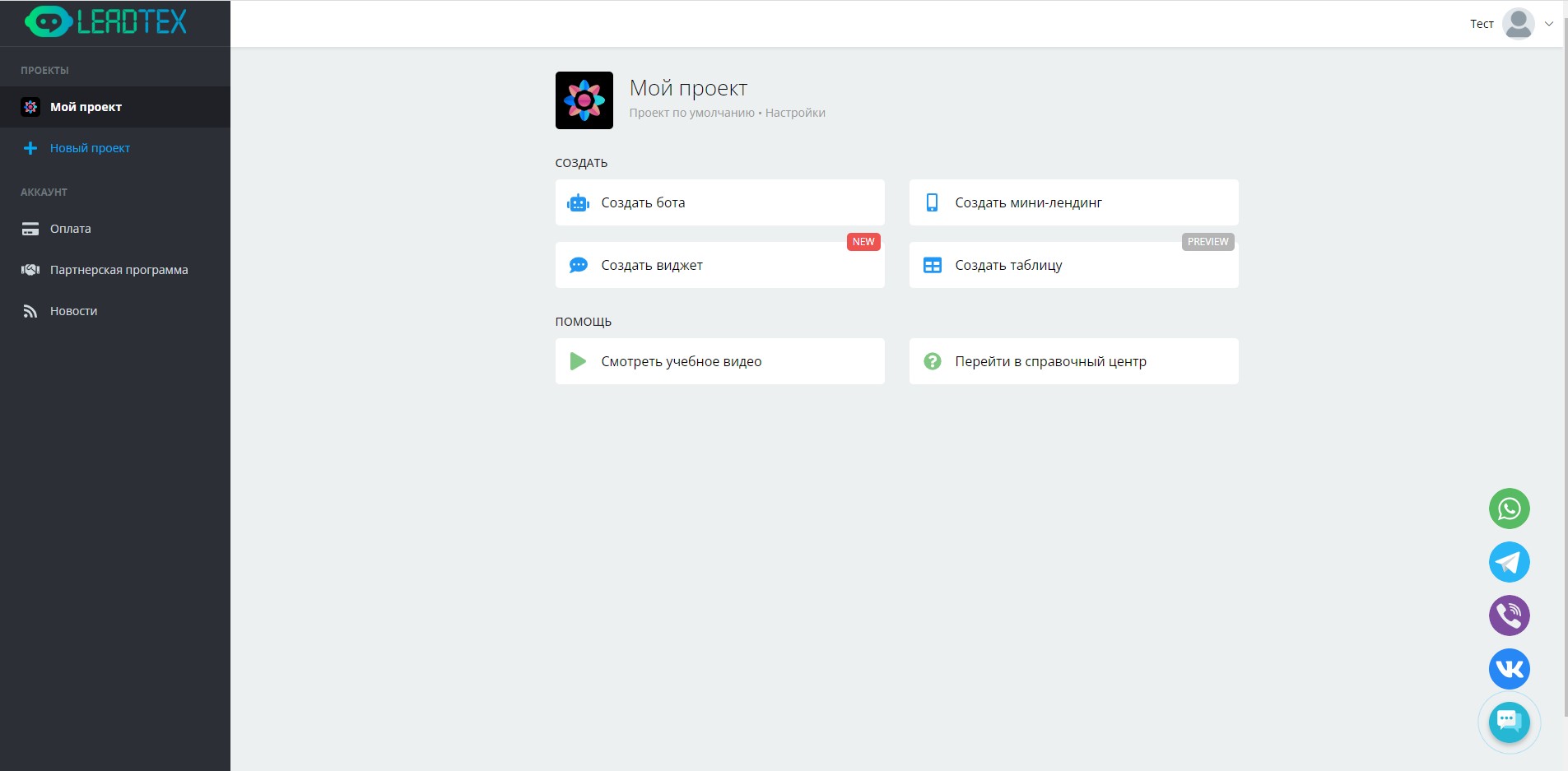
Main window after logging into account
In the left panel you can switch between projects.
By default, a project named "My Project" is automatically created in the account. The project name can be changed in settings.
Each project can consist of several chat bots, mini-landings and widgets.
You can also create a new project by clicking the "New Project" button.
You can create up to 300 projects per account.
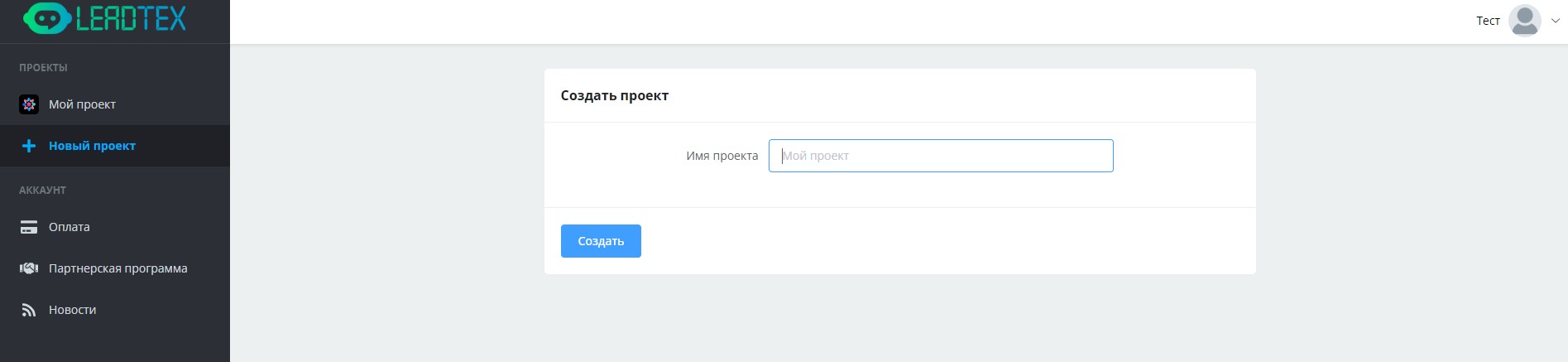
Project name selection
After specifying the project name, click the "Create" button and it appears in the left panel in the project list
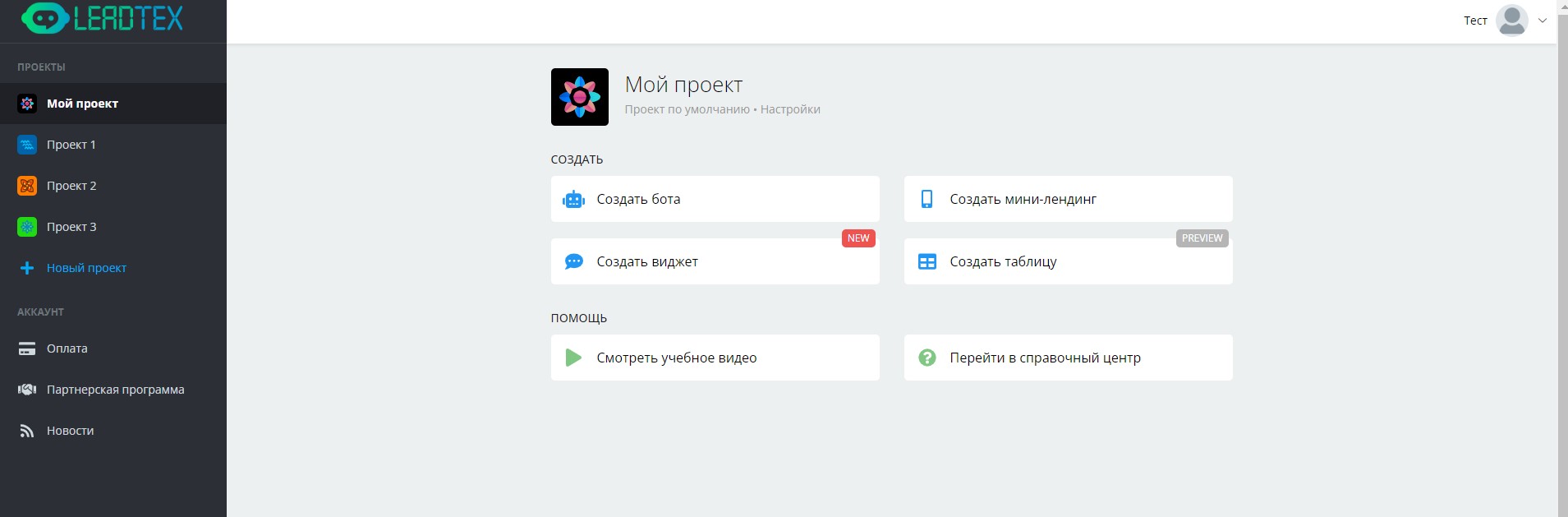
Account with 4 created projects
You can also in the left menu:
Manage account tariff by clicking the "Payment" button
Become a partner by clicking the "Partner Program" button
In the top right corner you can click on the button with the account name and avatar and see the account balance, here you can go to account settings, manage account tariff, go to help center, log out of account, switch between accounts and add a new user
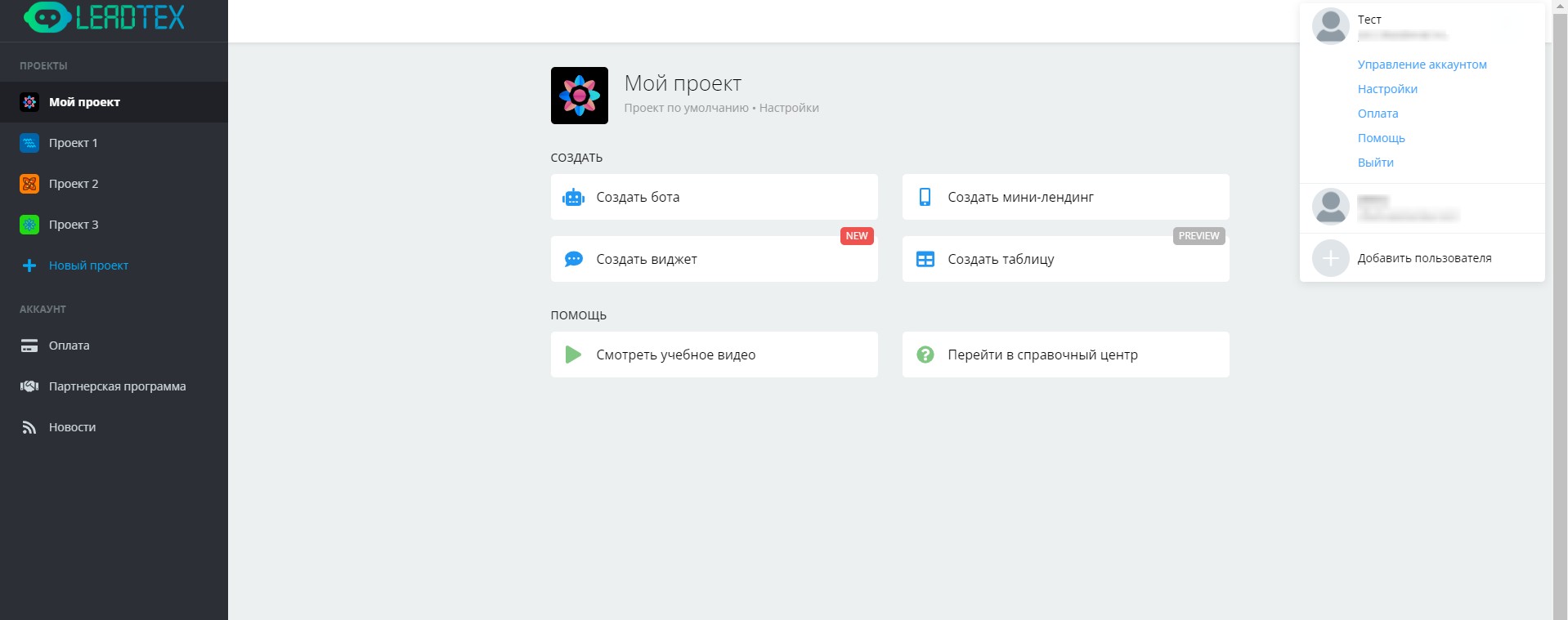
Leadtex Personal Account