Editing (Deleting) User Variables
How to edit or delete contact variables in a bot
Suppose you are running a small quest with points awarded for completing tasks. You need to manually edit a variable to award points for actions the bot cannot track, for example for a photo with a hashtag on social networks, etc.
To manually edit variables, go to the Lists -> Contacts section
.png)
Editing variables
Click on the variable value, after which you can edit or delete it if necessary.
.png)
Variables in contact card
Variables can be deleted automatically in the bot scenario. To do this, use the "delete variable" block. You can list several variables at once in the block.
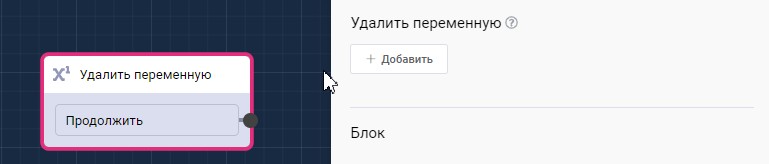
"Delete variable" block in scenario