Personal Data Processing Policy in Bot
How to add data processing policy to chat bot: step-by-step guide
Open your leadteh.ru account, go to your bot, open the Settings > Policy tab. Check "Enable policy"
.png)
Personal data processing policy in chat bot
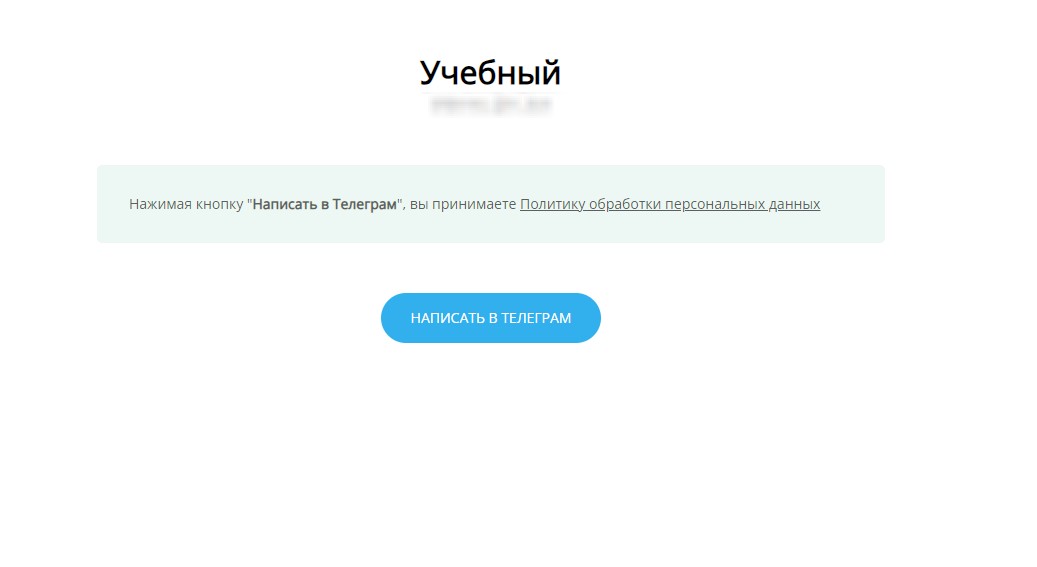
When users access the bot via a link with the leadteh.ru domain, they will see this page:
Personal data processing policy in chat bot
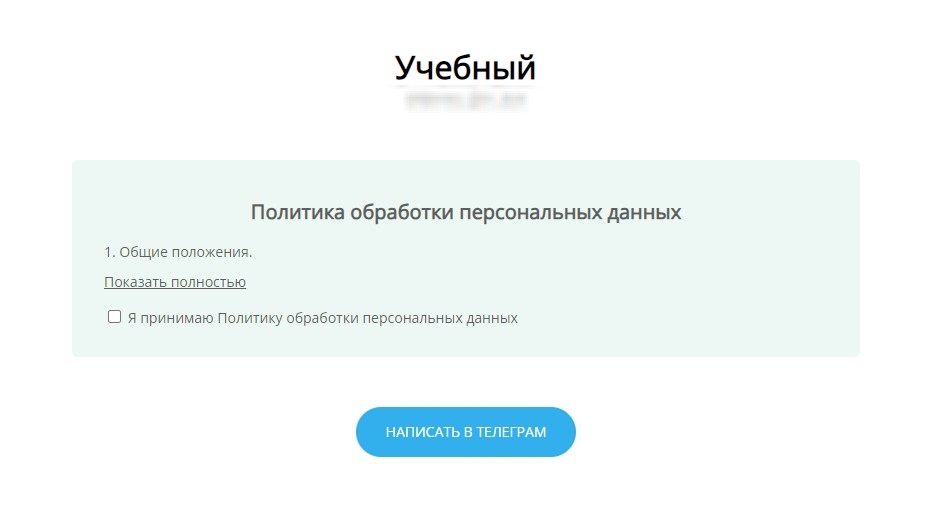
Option 2 - Double action
Check "Require checkbox to accept policy", in this case the user will be required to confirm acceptance of the policy
Personal data processing policy in chat bot