Blocks
This section describes the use of scenario block types in the LEADTEX chat bot and MiniApp store constructor
Basic principles of working with the LEADTEX visual constructor for creating chat bots.
The video explains the interface structure, block types, command settings and connections between elements. Master scenario management and logical chains for building complex bots without programming.
Blocks are divided into categories:
- all
You can also search for the desired block by one of the words in its name. Enter a word from the name in the search bar and a list of blocks with the entered word appears.
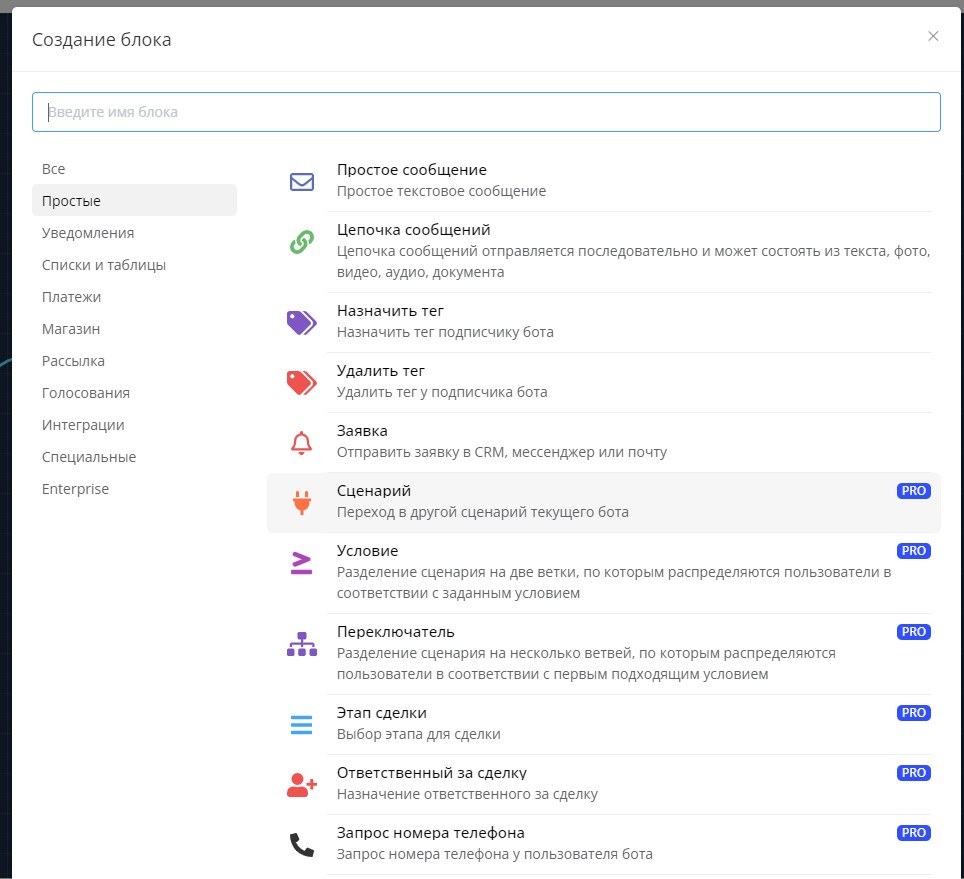
Searching blocks for creating chat bot logic
When you click on the square on the left in the block, a window appears where you can select all scenario blocks, copy or delete selected blocks.
This function is convenient for manually copying a scenario.
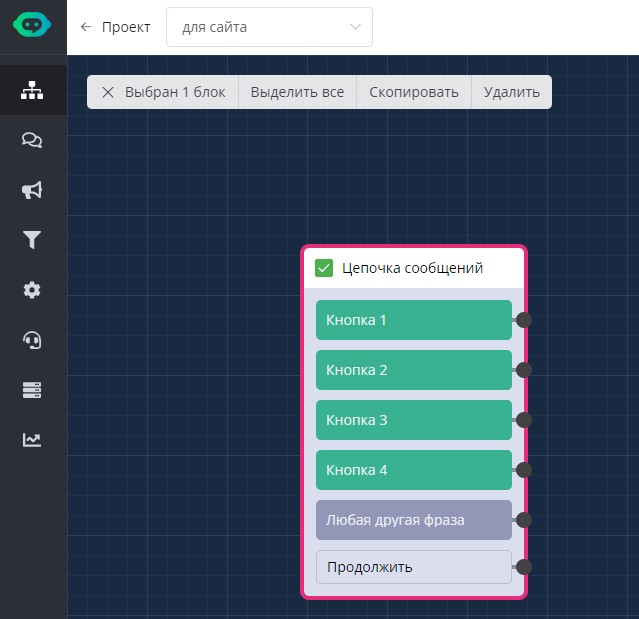
Copying blocks
🎁 Free course on developing chat bots and MiniApps for all users with an active PRO subscription is already on LEADTEX.
10 detailed lessons with immersion from A to Z.
Start learning right now - Start learning.