Outgoing Webhook
Sending data from bot to third-party services using "Outgoing Webhook" block
How to Use Outgoing Webhook in Chat Bots
The webhook block allows sending data to services that do not have integration on the Leadtex platform. Using the webhook block, you can send general user information (name, username, messenger avatar image, messenger id, data sending time), tags, and user variables and their values.
The bot settings have 4 methods: POST (data comes in json format), GET, PUT, and DELETE.
https://webhook.site - service for checking data that actually comes through webhook
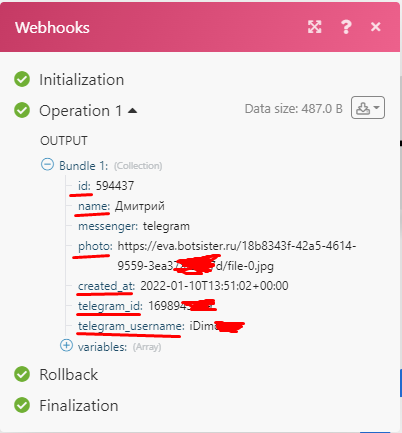
Data received by Integromat (Make.com) service from bot
Information
Important!
Asynchrony Setup for "Outgoing Webhook" Block
By default, the "asynchronous request" toggle is in the active position. When entering this block, the client immediately moves to the next one, and the request is executed in the background. I.e., it may execute later than when the user enters the next block. When disabling request asynchrony, the request itself will be executed first, and then the transition to another block.
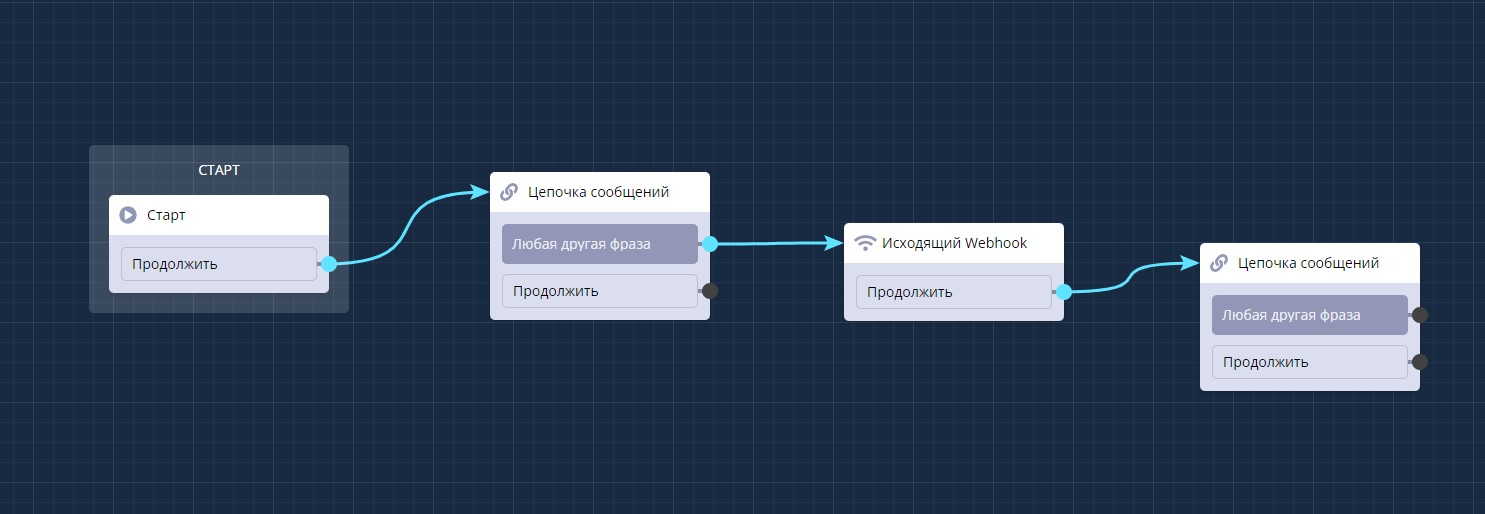
"Outgoing Webhook" block in scenario
Webhook block settings are simple - in the URL field you need to insert the generated link from the service that will receive information from the bot, in the data to send you can activate all checkboxes.
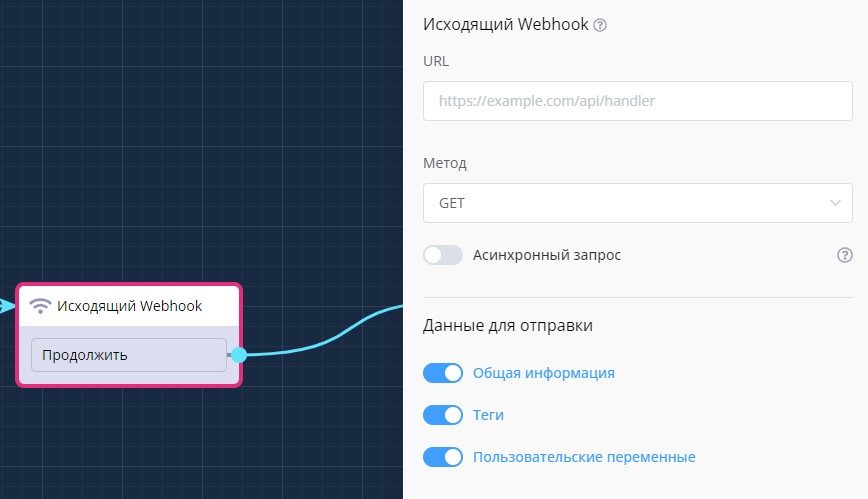
"Outgoing Webhook" block settings
User variables and constants can be substituted into the link for the block
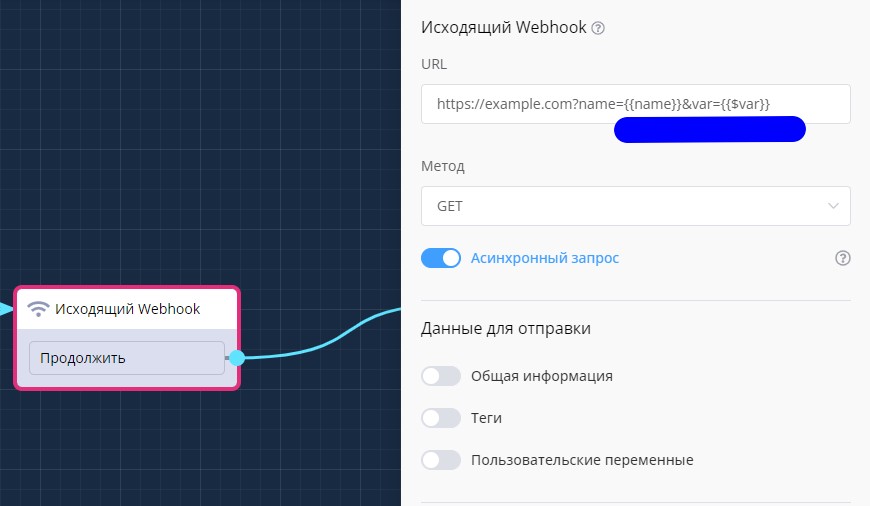
Substituting variables into link
AI Agent in LEADTEX via N8N: Step-by-Step Setup
Creating a smart chat bot with infinite dialogue through LEADTEX and N8N integration. Learn how to set up outgoing webhooks to connect an AI agent with various neural networks and automate user communication with artificial intelligence.
In the LEADTEX personal account, 250+ lessons on developing chat bots and MiniApps are already available, as well as the opportunity to join the largest no-code developer community with 6000+ participants - Go to Personal Account.