bePaid
Chat bot integration with bePaid payment service
To connect the integration:
- Create a store in BePaid.
Go to store settings.
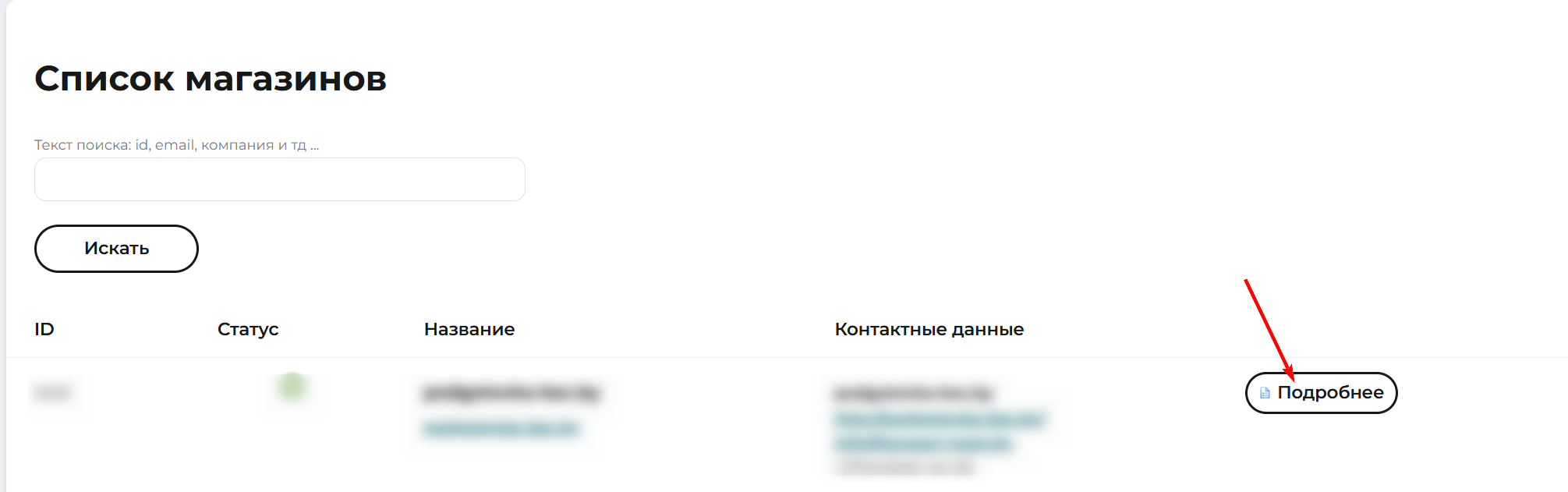
Store settings in BePaid
Copy the store ID and Secret Key.
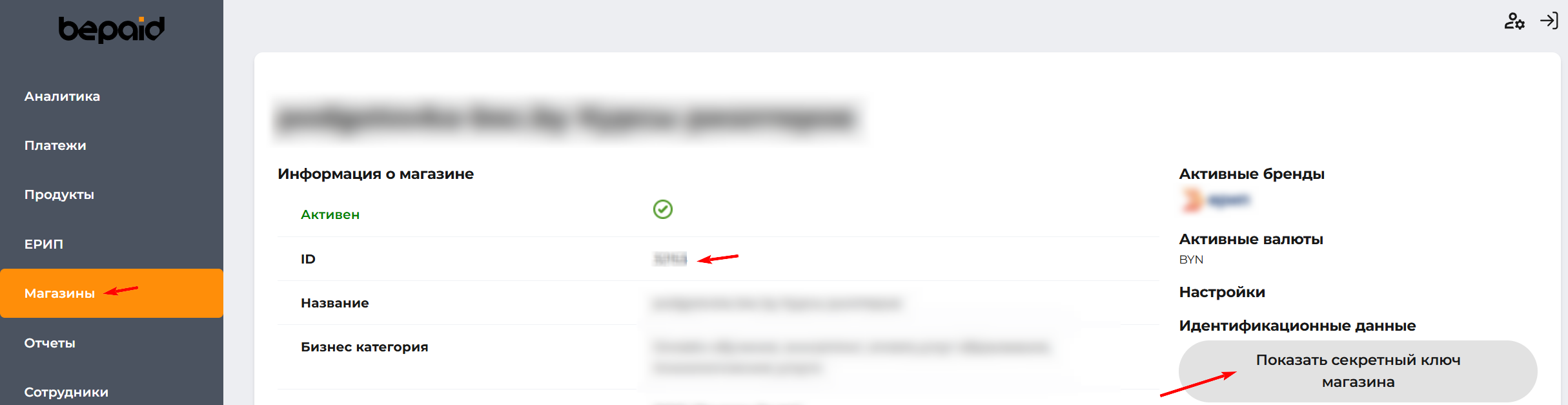
ID and Secret Key
Open your bot's integration settings.
Add BePaid integration and fill in the Shop ID and Secret key fields.
.png)
Bot integration settings
Click Save.
Done - integration is set up.
Information
Feature - the address for incoming payment confirmation notifications is passed automatically. Manual specification of the notification address in the BePaid store itself is not required
Bonus for new users and the opportunity to receive 500 rubles as a gift 🎁
- Register on LEADTEX
- Create and test your first project
- Don't miss the special offer. Get gift 👈