Scenario
Instructions for creating scenarios (logical branches) in chat bot
When you create a bot, a map (scenario) opens where all bot messages are contained. But sometimes the bot contains a large number of blocks, and it's inconvenient to add them all to one map. In this case, you can create some blocks on a new scenario map, and add them to the main one through the "Scenario" block.
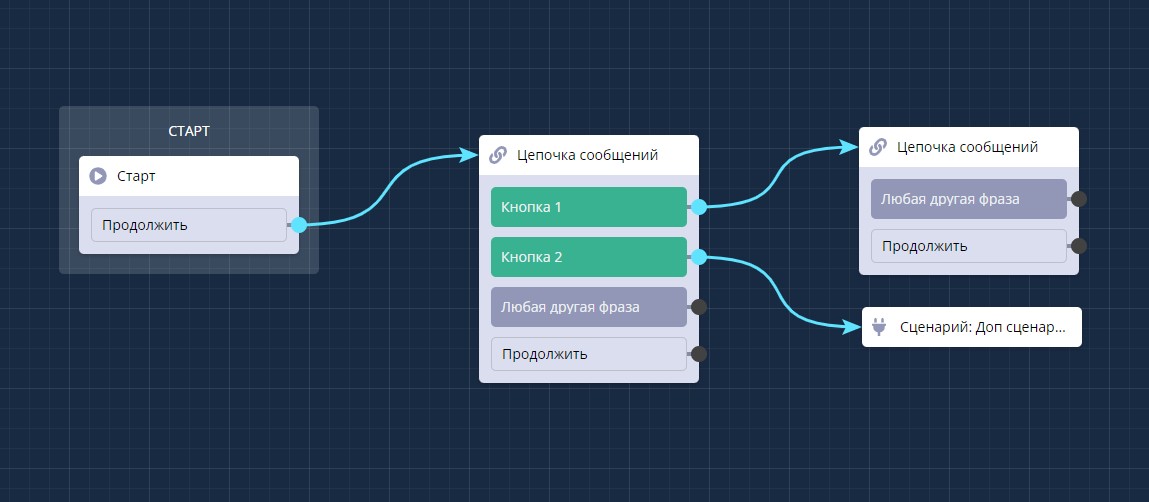
Chat bot scenarios
🎁 Free course on chat bot and MiniApp development for all users with active PRO subscription is already available on LEADTEX.
10 detailed lessons with immersion from A to Z.
Start learning right now - Start learning.