Delay and Timer
Scheduled message sending in bot: instructions for using "Timer" and "Delay" blocks
Delay
This block allows you to send a message after a specified time interval. Currently, the minimum interval is 1 minute. Only whole numbers are allowed.
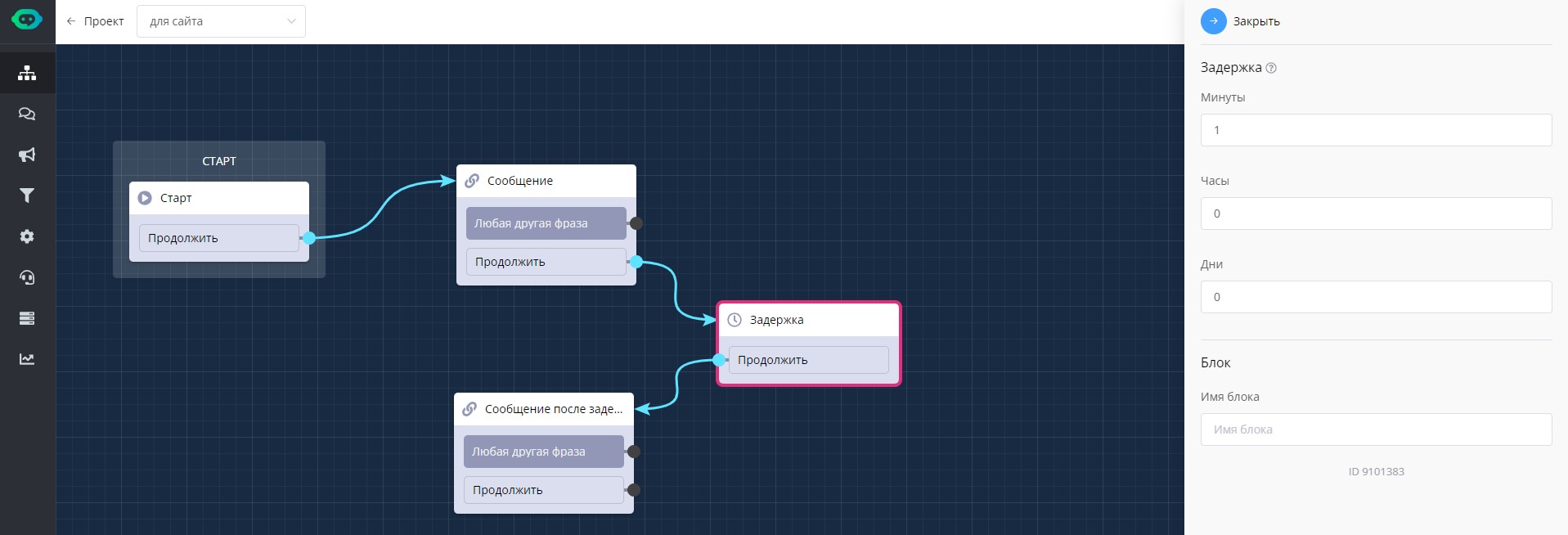
"Delay" block in scenario
Timer
Timer block for scheduled message sending. This allows you to create autoresponders directly in the bot scenario. Only whole numbers are allowed.
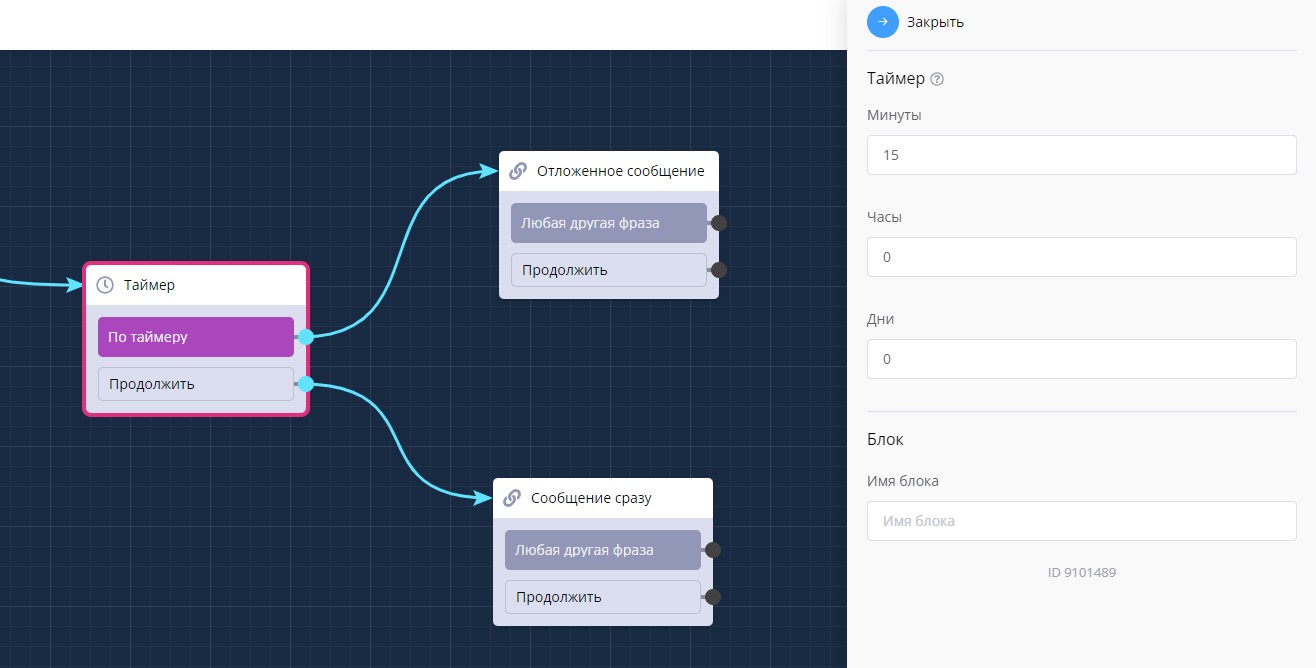
"Timer" block in scenario
Autosubstitution is also available for these blocks:
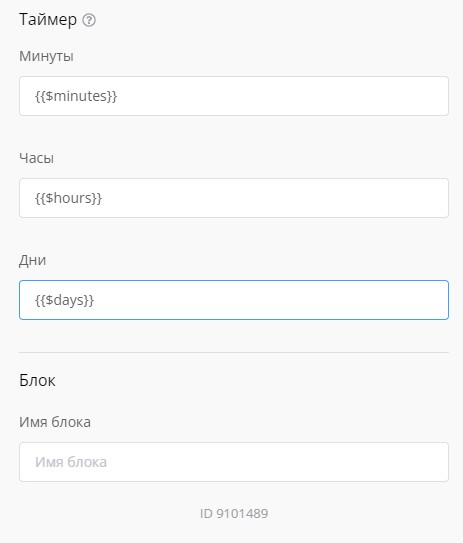
Autosubstitution in "Timer" and "Delay" blocks
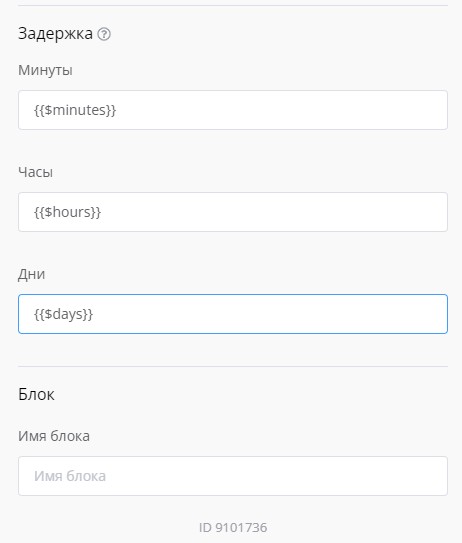
Autosubstitution in "Timer" and "Delay" blocks
🎁 Free course on chat bot and MiniApp development for all users with active PRO subscription is already available on LEADTEX.
10 detailed lessons with immersion from A to Z.
Start learning right now - Start learning.