Google Sheets Integration
Connecting Google Sheets to bot. Sending, editing and receiving data from Google Sheets
How to Integrate Chat Bot with Google Sheets
- Link your Google account to your Leadteh account in the "Account Management" section.
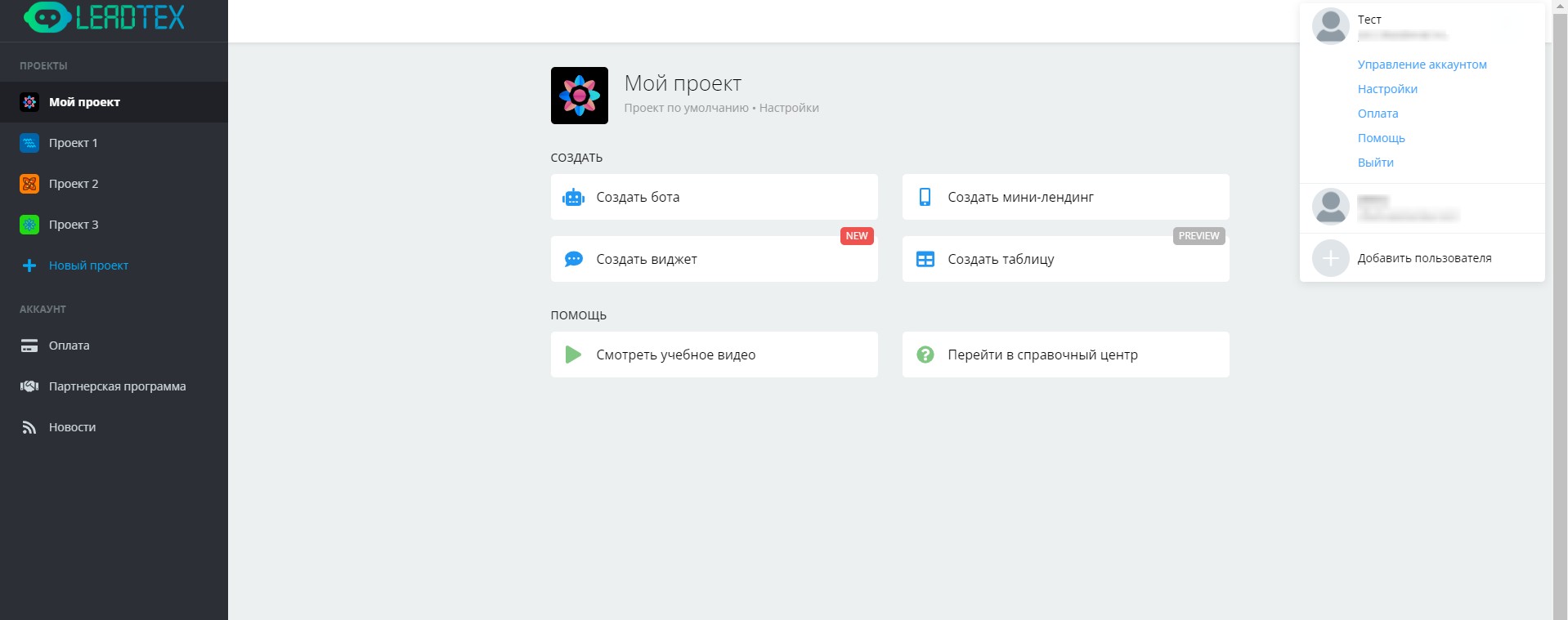
Leadtex Personal Account
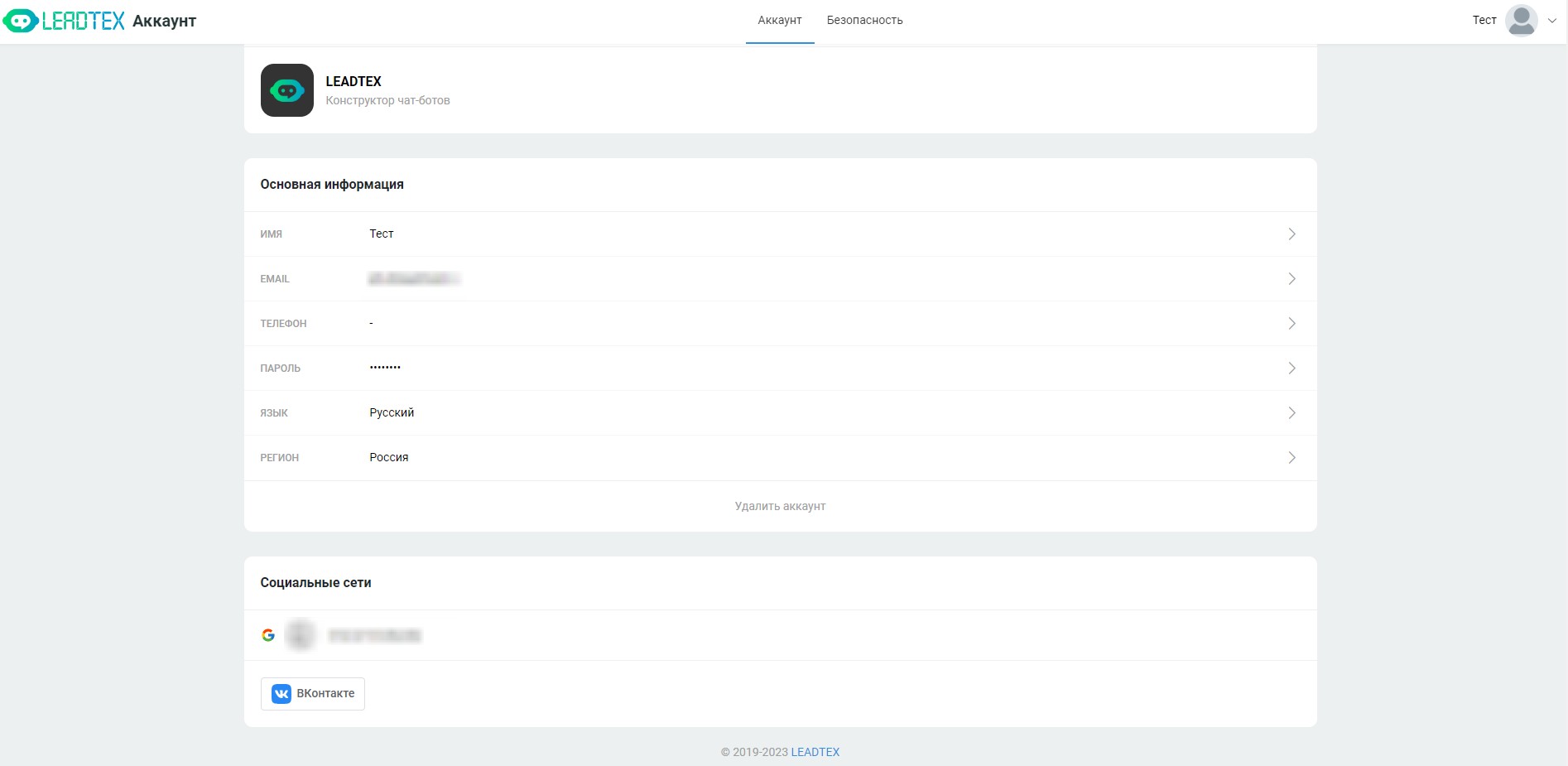
"Account Management" section and Google account connection
- Go to Your Bot → Settings → Integrations → Google Sheets and configure the integration.
- Click the "Link New Google Sheets Account" button and go through the authorization window.
.png)
Linking new Google Sheets account
4. Select the linked account
.png)
Google Sheets Integration
5. Update the status in the Status tab to make sure the integration is configured correctly, in this case you will see the message: "Authorized".
Collecting User Data in Google Sheets via Chat Bot
Step-by-step creation of a system for automatically collecting user data in Google Sheets via a chat bot. Learn integration setup, creating forms for entering information, checking record existence to prevent duplicates and outputting collected data back to the bot with practical implementation examples.
Overview of "Read Google Sheets" Block
A complete overview of the "Read Google Sheets" block, which dramatically simplifies extracting data from sheets into chat bots.
Master advanced filtering capabilities, output template setup, working with variables, pagination and multimedia content integration for creating interactive information systems.
🎁 Free course on developing chat bots and MiniApps for all users with an active PRO subscription is already on LEADTEX.
10 detailed lessons with immersion from A to Z.
Start learning right now - Start learning.