Adapting a Bot for Different Messengers on LEADTEX
Telegram, MAX, VKontakte, and WhatsApp
Practical recommendations for adapting one chat bot for Telegram, MAX, VKontakte, and WhatsApp in LEADTEX.
On the LEADTEX platform, one bot can be connected to four messengers at once: Telegram, VKontakte, MAX, and WhatsApp. Each messenger has its own specifics — take them into account when configuring scenarios and keyboards.
To connect, go to the Messengers section and follow the connection instructions for LEADTEX.
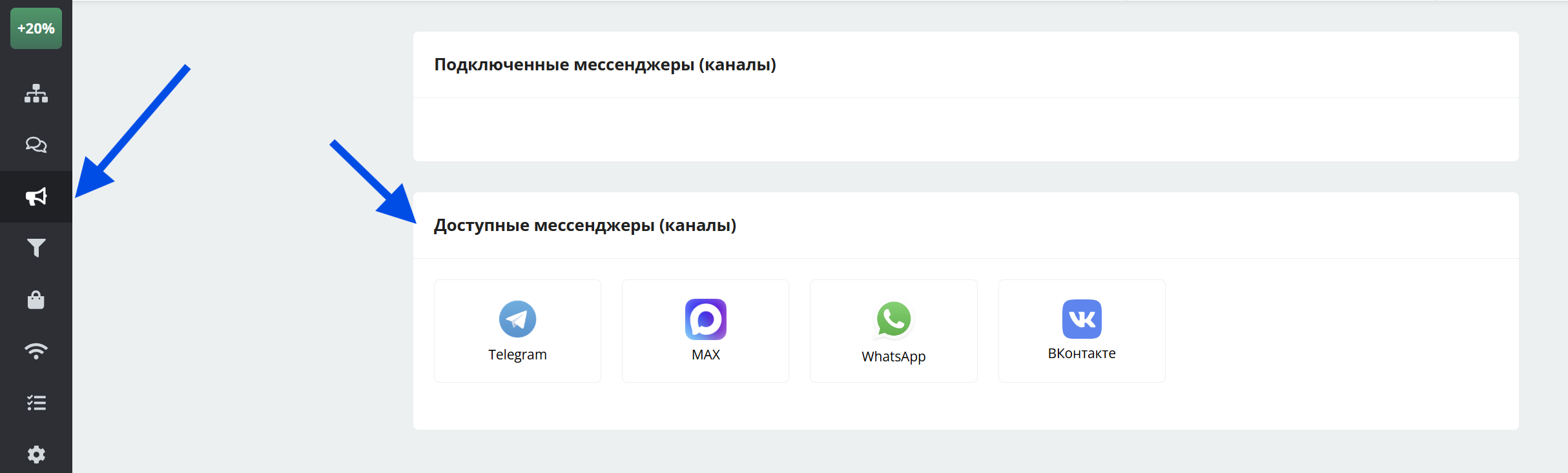
Messenger selection
Launching a Chat Bot
Telegram
- The main start command is /start (launches the main scenario).
- Deeplinks are supported — for tracking traffic and redirecting users to the required scenarios.
VKontakte
- The bot is launched by starting a dialogue within the connected community.
- Deeplinks are configured and work for the first launch similarly to Telegram, but if a dialogue with the bot was previously started, after following a link to launch an additional scenario the user must first send the bot an arbitrary message. It is recommended to add a hint next to the link that the user should start the dialogue first.
- To relaunch the bot during testing, use the commands:
- "000"
- "начать"
- "Начать"
MAX
- The start command is the "Start" button and the /start command (both launch the main scenario).
- Instead of deeplinks, prepared trigger phrases are used.
More about configuring chat bot launch in WhatsApp
Keyboard
Keyboard capabilities differ significantly in each messenger. Below are the key parameters and limitations.
Telegram
- Inline and non-inline buttons are available — they cannot be combined in one message.
- Colored buttons are supported.
- Maximum visible button text length — 64 characters.
- Commands are additionally available to launch separate scenarios or blocks.
More about keyboard in Telegram
VKontakte
- Inline and non-inline buttons are available.
- Maximum visible button text length — 40 characters.
MAX
- Only an inline keyboard is available.
- Maximum visible button text length — 128 characters; recommended value — 20.
- Commands are available but configured on the MAX side — in LEADTEX they are processed as regular text messages through the Switch block.
- The menu works in number-reply mode.
More about menu configuration for WhatsApp
Important
LEADTEX automatically trims button names when the allowed length is exceeded — this prevents send errors. Nevertheless, watch text length when designing the scenario.
Keyboard configuration is done inside the scenario block: Keyboard Settings section → select the required messenger.
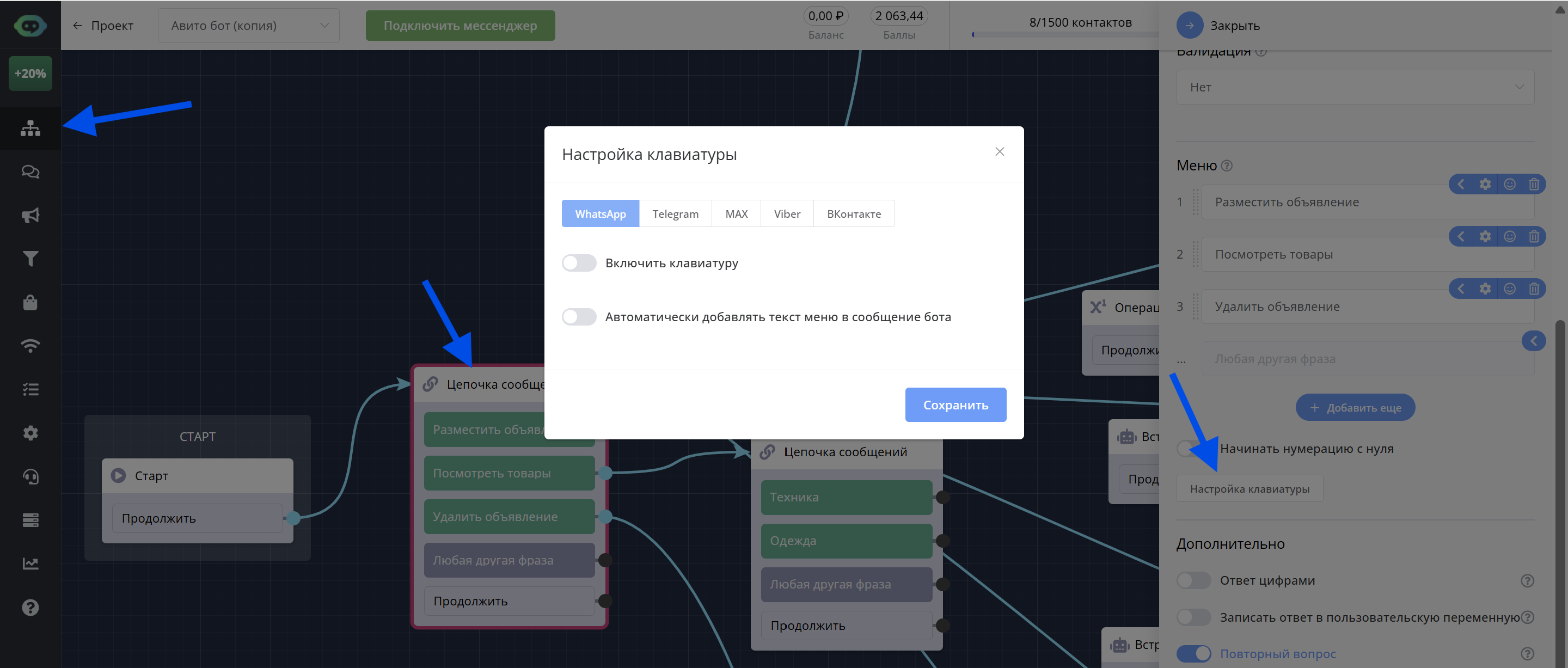
Keyboard configuration
Current Messenger Limitations
When adapting a scenario for MAX and VKontakte, consider the following limitations:
MAX
- Mailings are unavailable — messenger requirement.
VKontakte
- Checking user membership in a group is unavailable.
- Referral system is not supported
Feature Comparison Table
| Feature | Telegram | VKontakte | MAX | |
|---|---|---|---|---|
| Inline buttons | ✅ Yes | ✅ Yes | ✅ Yes | ❌ No |
| Non-inline buttons | ✅ Yes | ✅ Yes | ❌ No | ❌ No |
| Colored buttons | ✅ Yes | ❌ No | ❌ No | ❌ No |
| Deeplinks | ✅ Yes | ✅ Yes | ✅ Yes (via MAX) | ✅ Yes, equivalent: prepared phrases |
| Commands | ✅ Yes | ✅ Yes | ✅ Yes (via MAX) | ❌ No |
| Mailings | ✅ Yes | ✅ Yes | ❌ No | ✅ Yes |
| Referral system | ✅ Yes | ❌ No | ✅ Yes | ❌ No |
| Group membership check | ✅ Yes | ❌ No | ✅ Yes | ❌ No |
| Text formatting | ✅ Yes | ✅ Yes | ✅ Yes | ✅ Yes |
Detailed materials on creating chat bots for each messenger are available at the links: