Direct Links to Additional Scenarios in Telegram
Deeplinks in Telegram bot. How to create links to launch additional scenarios in chat bot
Direct Links to Telegram Bot Scenarios
To assign a link, go to Your Bot → Channels → Telegram
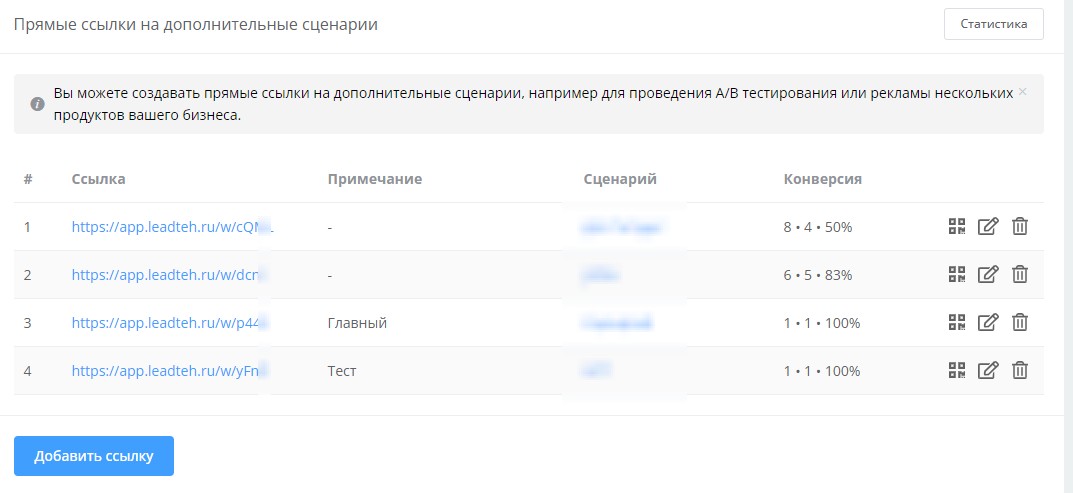
Creating Links to Additional Telegram Bot Scenarios
Direct links to chat bot sections allow you to direct users immediately to the desired section.
Why Links to Additional Scenarios Are Needed
- Quick access to specific functions
- Tracking effectiveness of advertising channels
- Personalization of entry points
- Increasing conversion from different sources.
Want to set up additional links for your bot? Study the complete guide:
🎁 Free course on developing chat bots and MiniApps for all users with an active PRO subscription is already on LEADTEX.
10 detailed lessons with immersion from A to Z.
Start learning right now - Start learning.