VK
VK bot - creating chat bot for VKontakte. Community connection and chat bot activation in VKontakte
How to Create Chat Bot in VKontakte - Step-by-Step Guide
Our platform allows you to create bots for VKontakte! Simply link your VKontakte account and select a page for the bot.
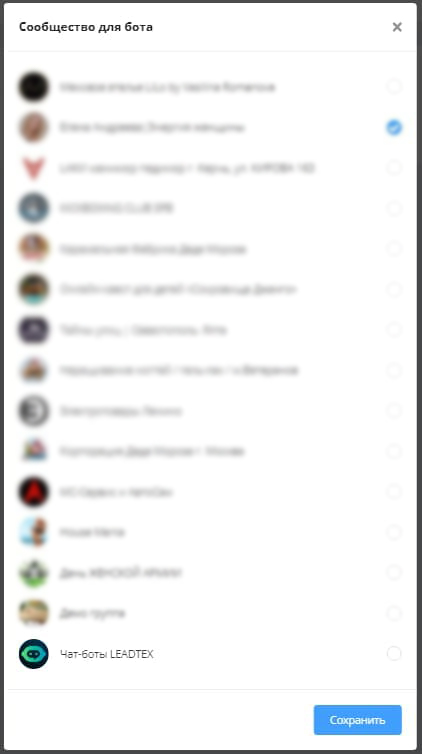
Selecting VKontakte Community for Connecting Chat Bot
Keyboard Editor
VKontakte bots support buttons, and we have added support for editing these buttons.
.png)
Keyboard Setup for Bot in VKontakte
VK Keyboard Requirements:
- Maximum standard keyboard size — 5×10.
- Maximum number of buttons: 40.
- Maximum inline keyboard size — 5×6.
- Maximum number of buttons: 10.
- A row containing a button with a link must contain no more than two buttons.
- Maximum button text length: 40 characters, including spaces.
Information
"Simple message" block does not work in VK, use "message chain" block.
This video details the process of creating a chat bot in VKontakte with payment acceptance and notification sending:
🎁 Free course on developing chat bots and MiniApps for all users with an active PRO subscription is already on LEADTEX.
10 detailed lessons with immersion from A to Z.
Start learning right now - Start learning.