Free Course on Creating Chat Bots and Mini-Apps
Quick start in IT: Free course on creating chat bots and stores in mini-apps (MiniApps)
10 lessons from simple projects to mini-apps
The free practical course on creating chat bots in the LEADTEX constructor includes 10 detailed video lessons with step-by-step instructions — from a simple bot in Telegram, VKontakte, and WhatsApp to building full-fledged stores in mini-apps (MiniApps).
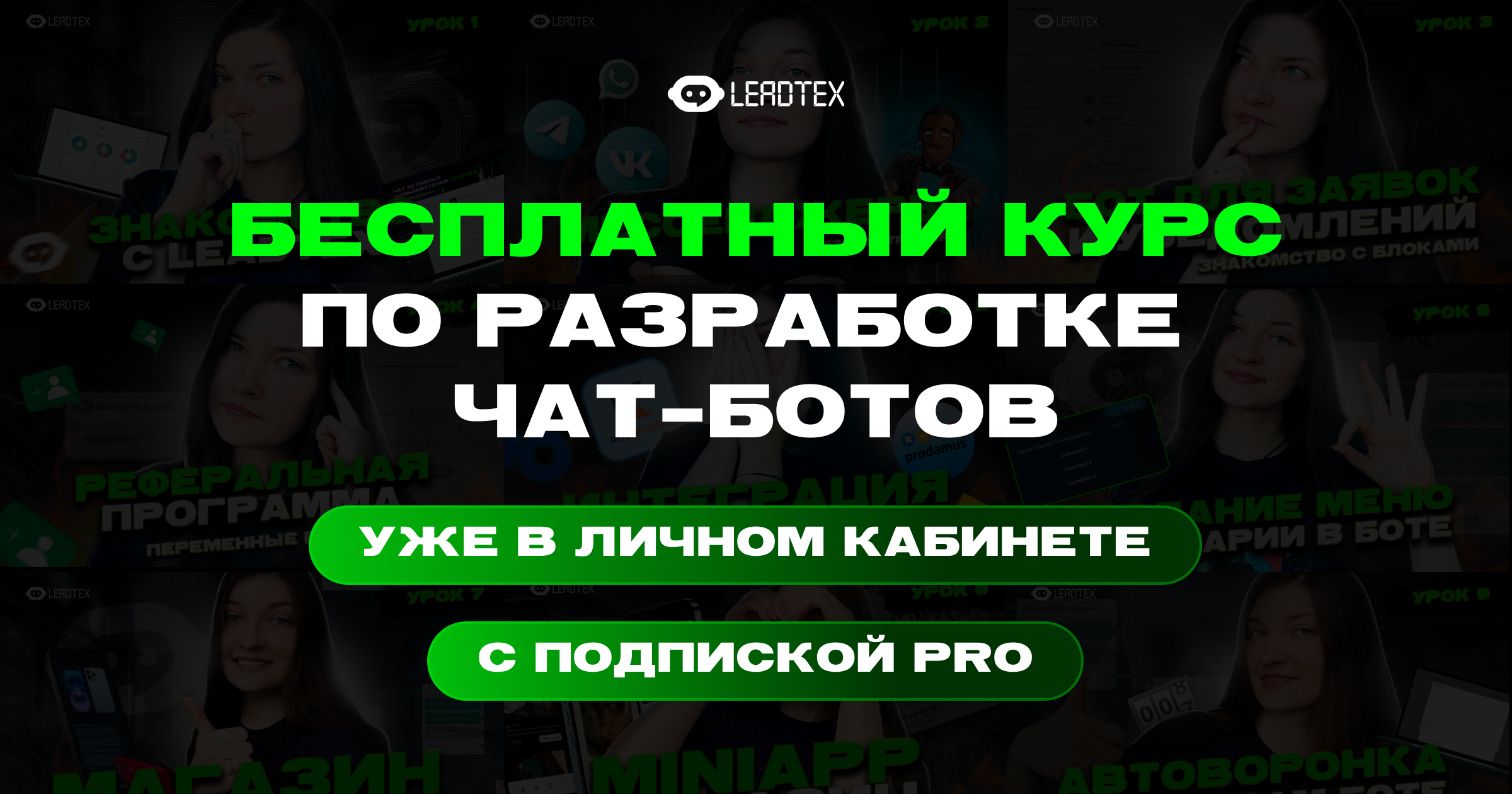
Free course on chat bot and Mini App development
Course program
Lesson 1: Getting to know LEADTEX
Overview of the chat bot constructor capabilities and a bonus for new users.
Lesson 2: Messengers
Connecting a chat bot to Telegram, MAX, VKontakte, WhatsApp, and an overview of key messenger differences.
Lesson 3: Bot for leads and notifications
Creating a chat bot to collect contact data and send notifications to the administrator.
Lesson 4: Referral program in the bot
Creating a unique invite link, crediting rewards, working with statistics, and multi-level referral bonus distribution.
Lesson 5: Accepting payments in a Telegram bot
Integrating various payment systems into a Telegram bot: Prodamus, YooMoney, YooKassa, Robokassa, and others.
Lesson 6: Bot menu
Creating a convenient menu in the chat bot and various scenarios for user navigation. Full project management.
Lesson 7: Store in Telegram
Product catalog, cart, payment acceptance, and order creation in a few clicks.
Lesson 8: Store in a Telegram mini-app
Your own mini-app (MiniApp) with a product catalog, built-in CRM (customer relationship management system), payment system integration, and autoresponders.
Lesson 9: Telegram broadcasts
Overview of functionality for creating autoresponder funnels and push messages in the chat bot.
Lesson 10: Bot for service booking
Integrating lists and Google Sheets, working with dates for online appointment scheduling.
Step-by-step immersion in development from A to Z with no time limit on completing the program. The course is available immediately after registration.
Information
All users with an active PRO subscription can get free access to the course
How to start learning
- Register on LEADTEX
- Go to the "Online courses from LEADTEX" section
- Click "Start learning" on the "Quick start" course.
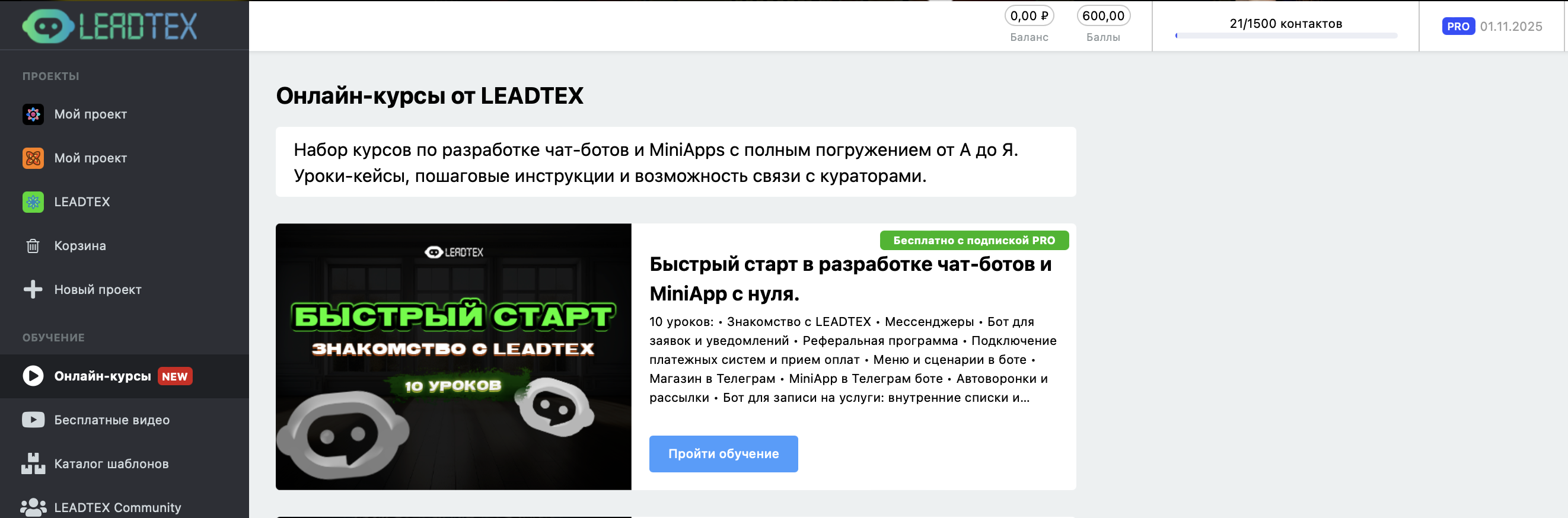
Online courses from LEADTEX
Start learning: