Account Settings
LEADTEX Account Settings - Chat Bot Constructor Profile Management
Configure your LEADTEX account profile: change password, update data, language settings, integration with Google and VKontakte.
Account settings can be seen in the upper right corner, to the right of the avatar:
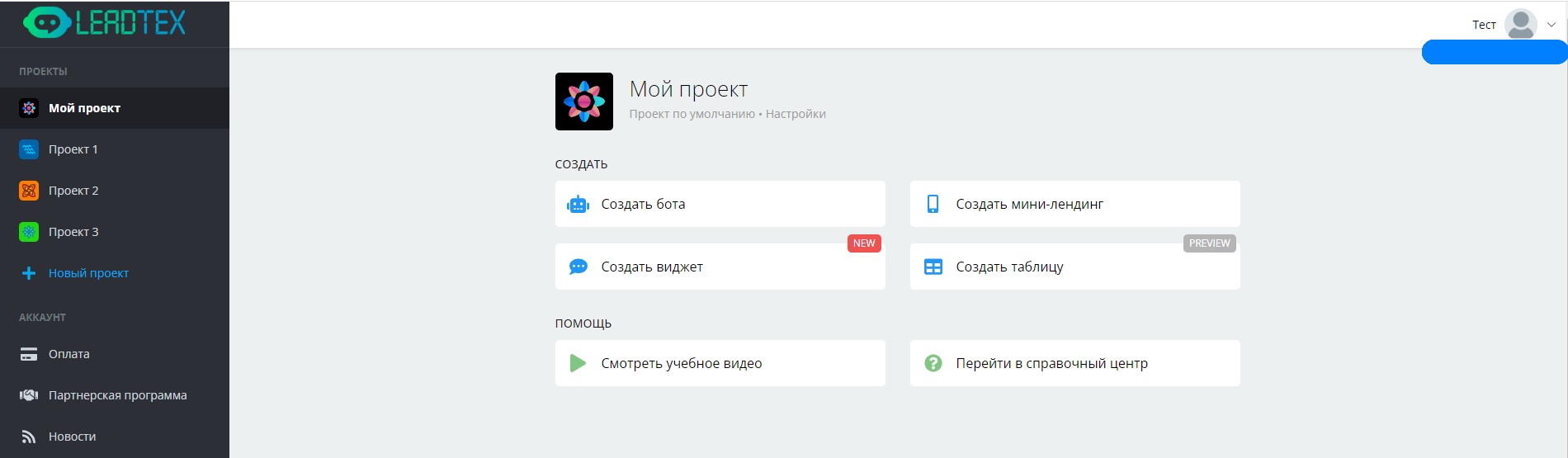
Account Settings
Go to account management:
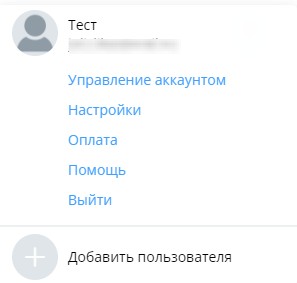
Account Management
When you click on this section, you will go to the settings page. You can change your name, email, password, language and add a phone number:
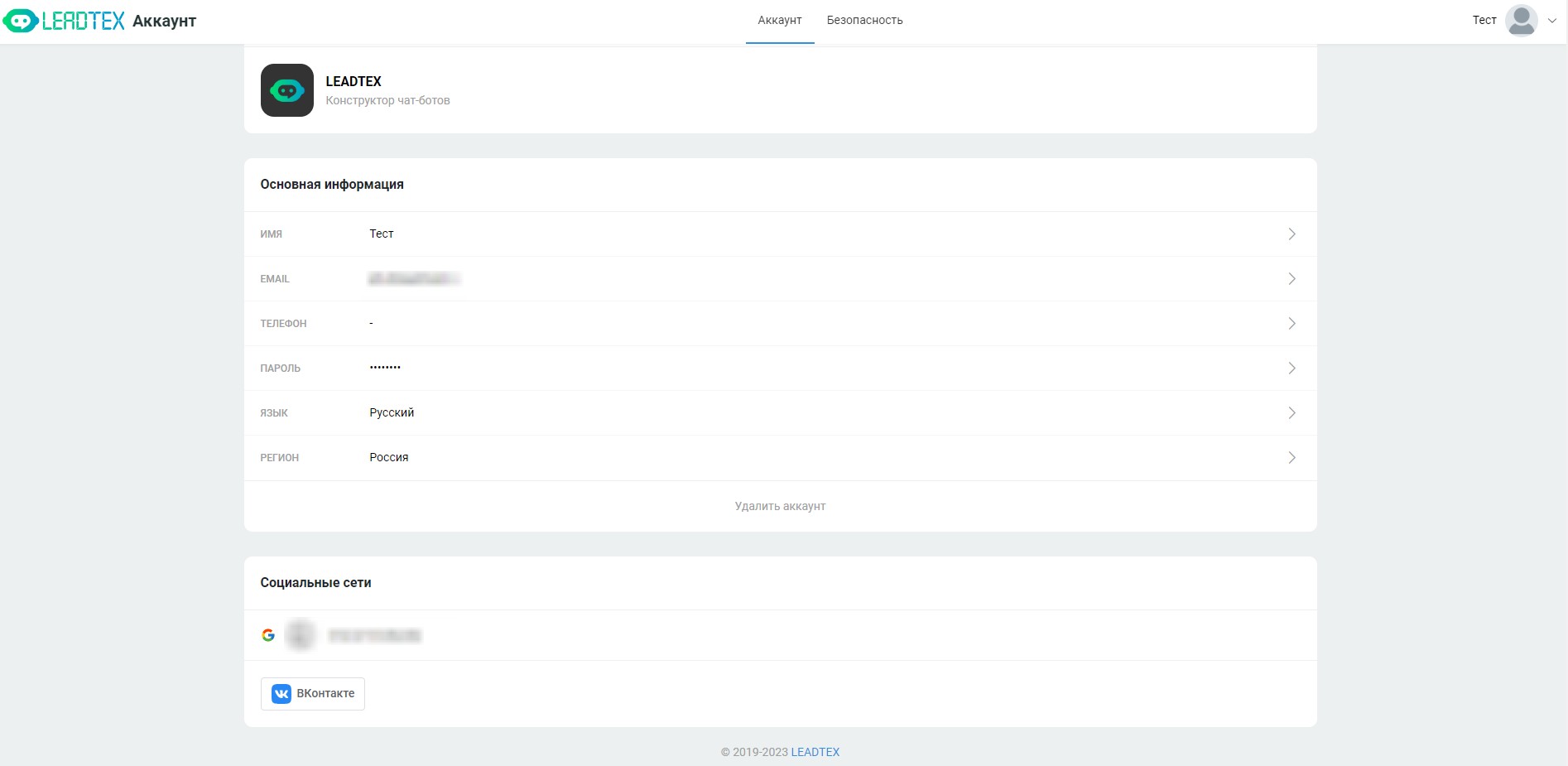
Account Management
At the bottom of the page there are Google and VKontakte buttons for integration with these services.
Also on this page there is a "Security" section, where you can see all current sessions (including operating system, browser, API address and geo):
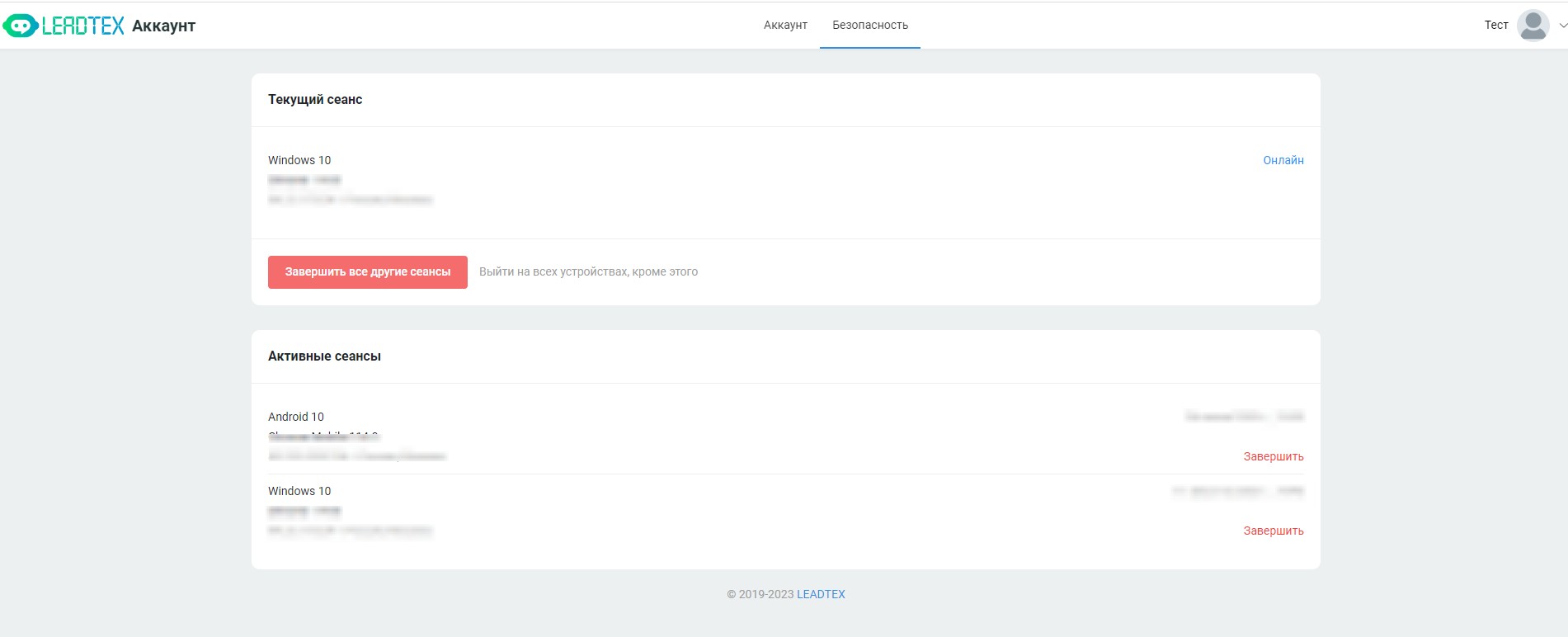
Active Sessions
Bonus for new users and the opportunity to get 500 rubles in points as a gift 🎁
- Register on LEADTEX
- Create and test your first project
- Don't miss the special offer. Get a gift 👈