Registration and Authorization on LEADTEX
Registration methods
On first login, three options are available:
- VKontakte – one-click registration
- Yandex ID – one-click registration
- Email and password – standard registration
Information
When registering via email, you need to confirm your account — follow the link in the email.
After registration, a 7-day free trial is automatically activated.
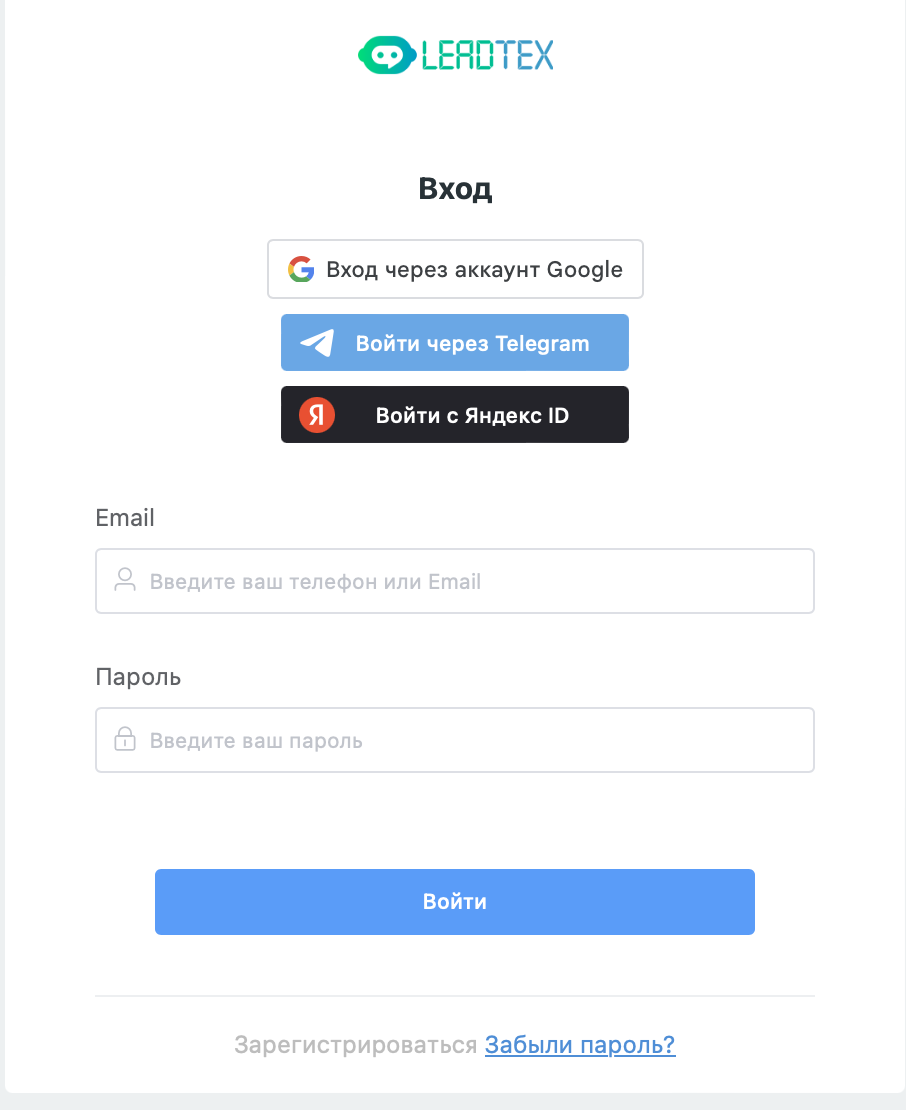
Registration options on first login
Adding an alternative login method
If you want to add an additional authorization method or change the current one:
Go to Account management

Going to account management
In the Social networks section, link the required account
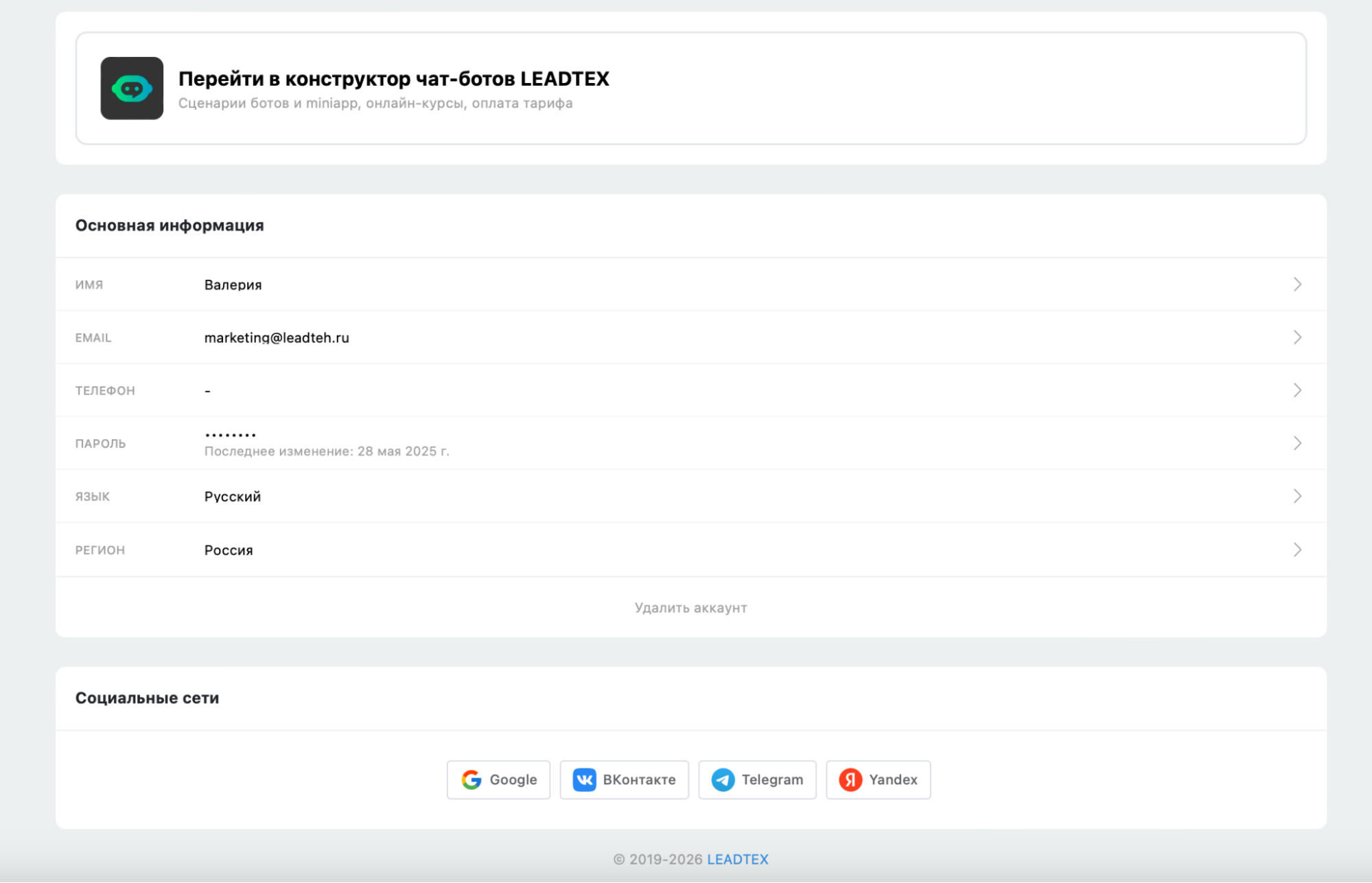
"Social networks" section
Linking an email to your account (if you registered without email)
If your account was created, for example, via Telegram — add a real email:
Go to Account management → Email settings (click the Email row)
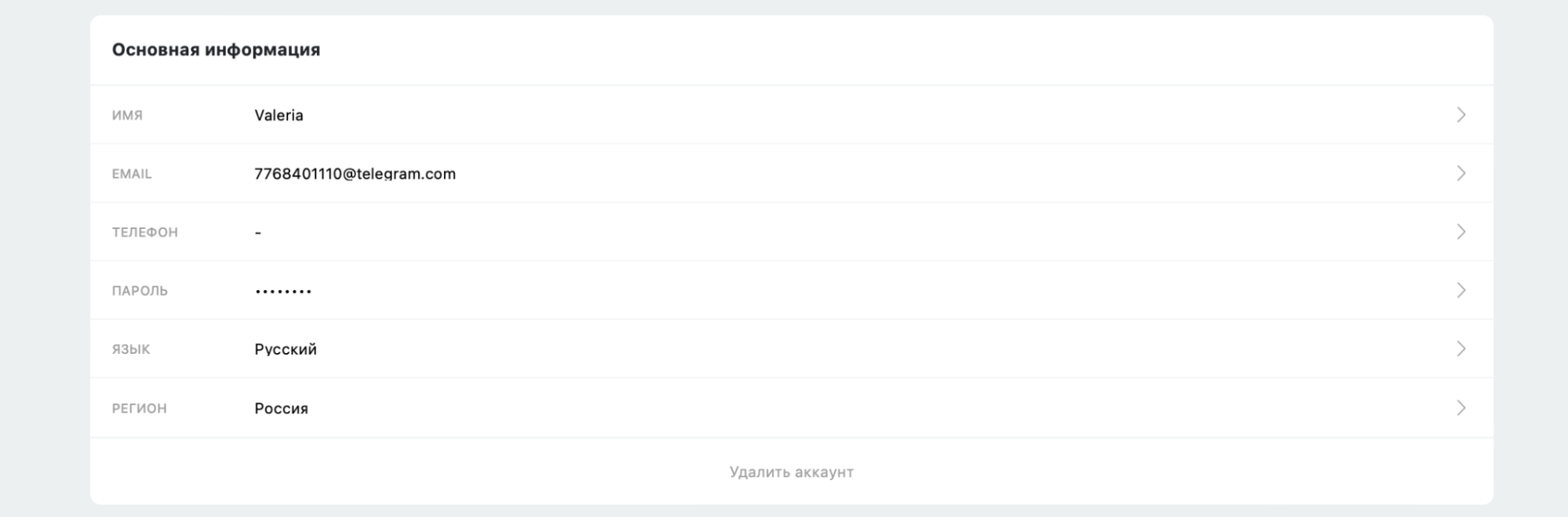
Opening email settings
Enter your current email address and click "Save"
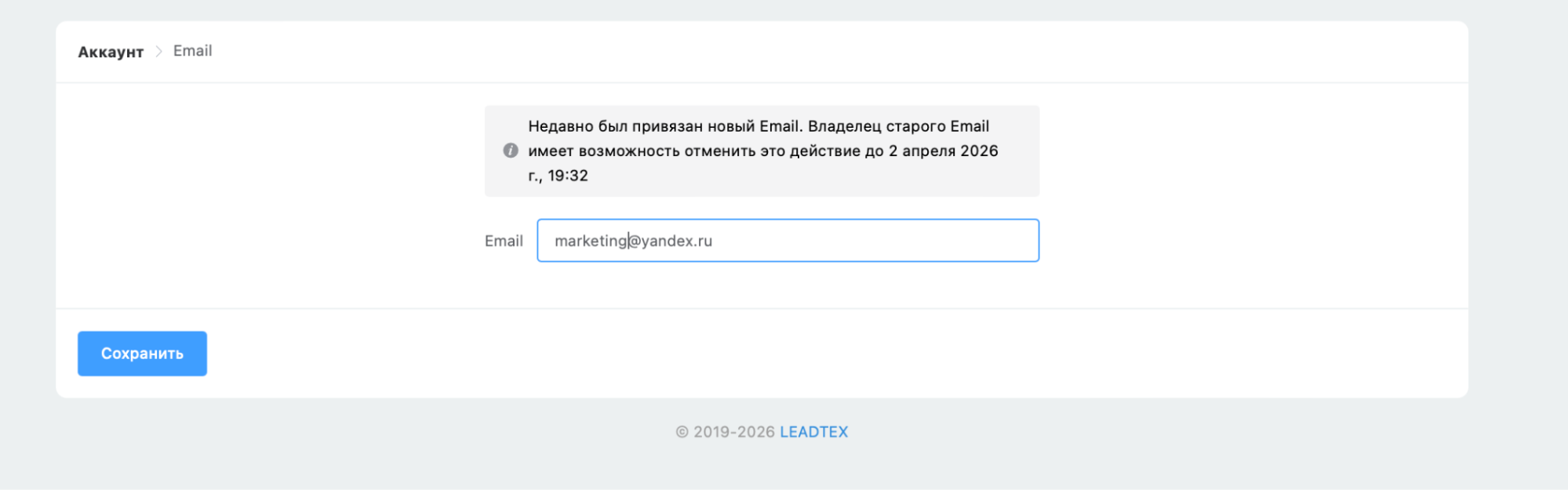
Entering your current email address
You will receive an email — follow the confirmation link
After changing the address, log out of your account or go to the authorization page
Click "Forgot password" and enter your new email
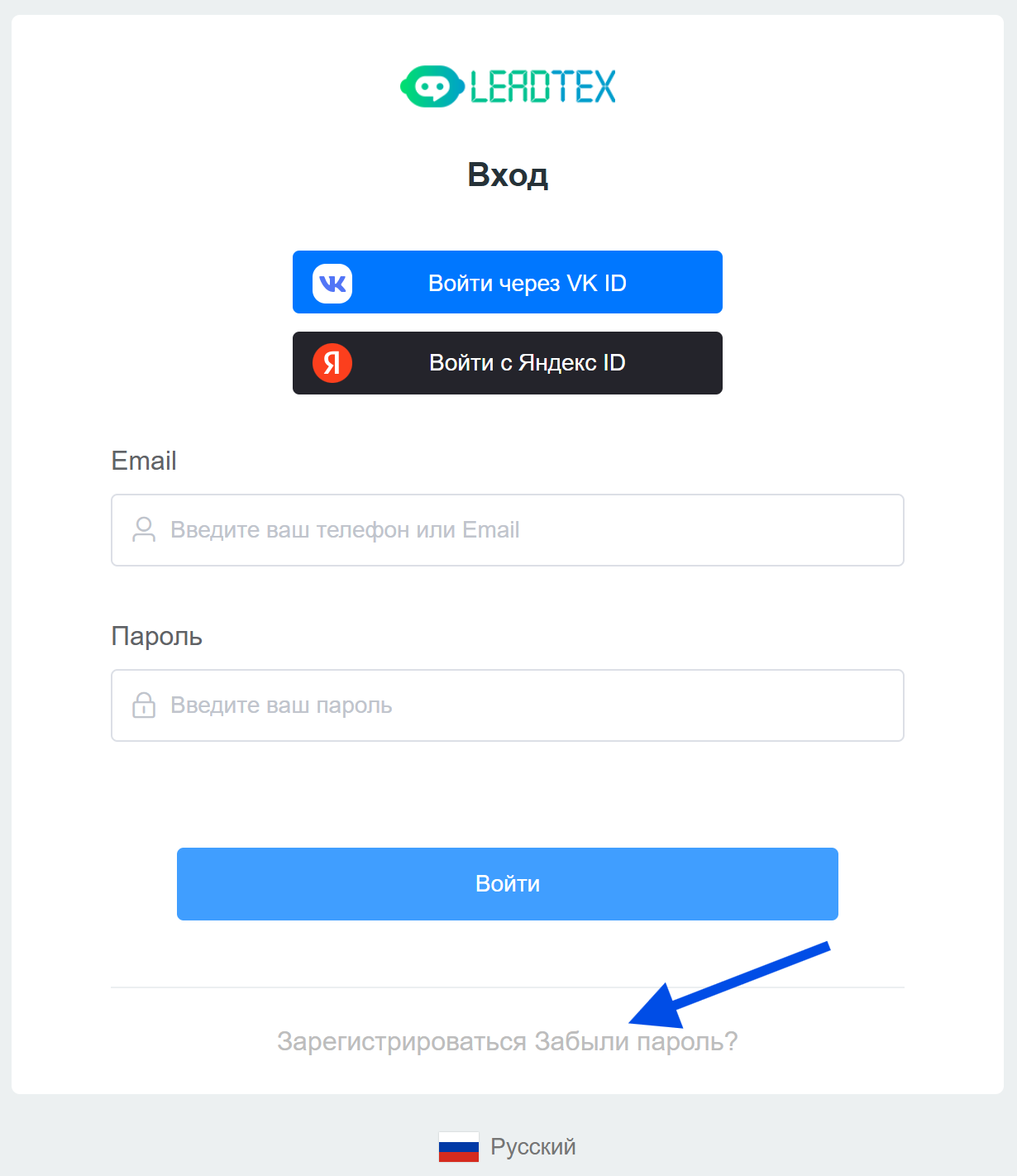
"Forgot password" on the authorization form
Information
In the form, you must enter the email address that was just changed in account settings.
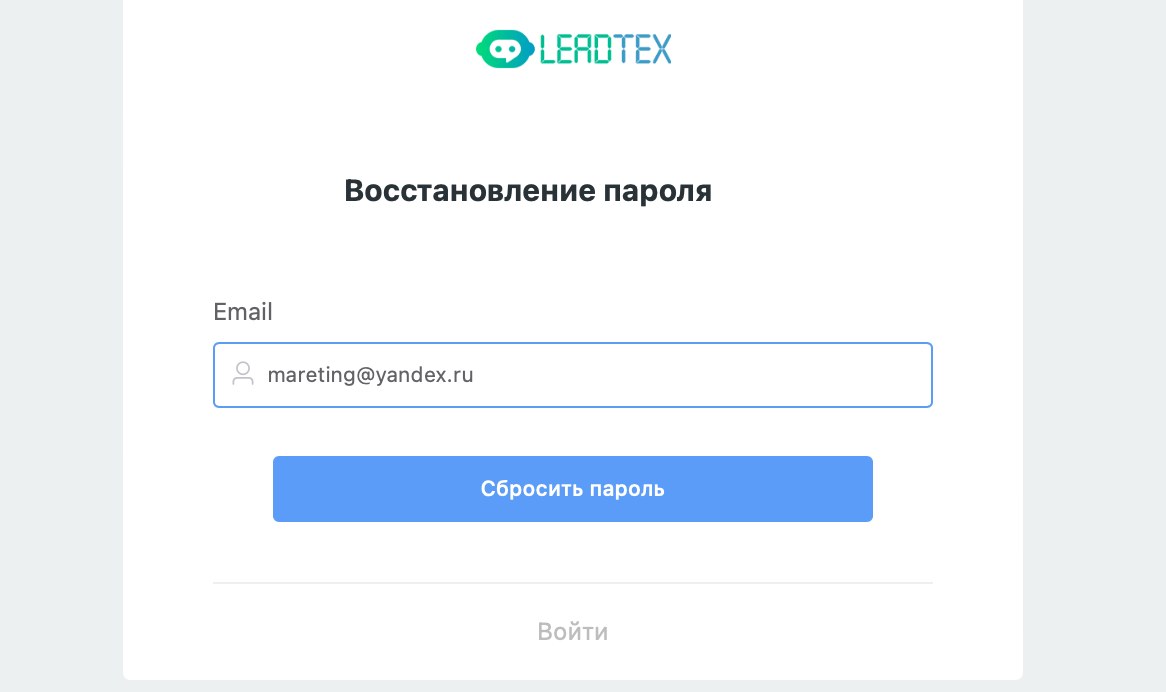
Entering new email in the authorization form
Follow the link in the email ("Reset password"), set a new password
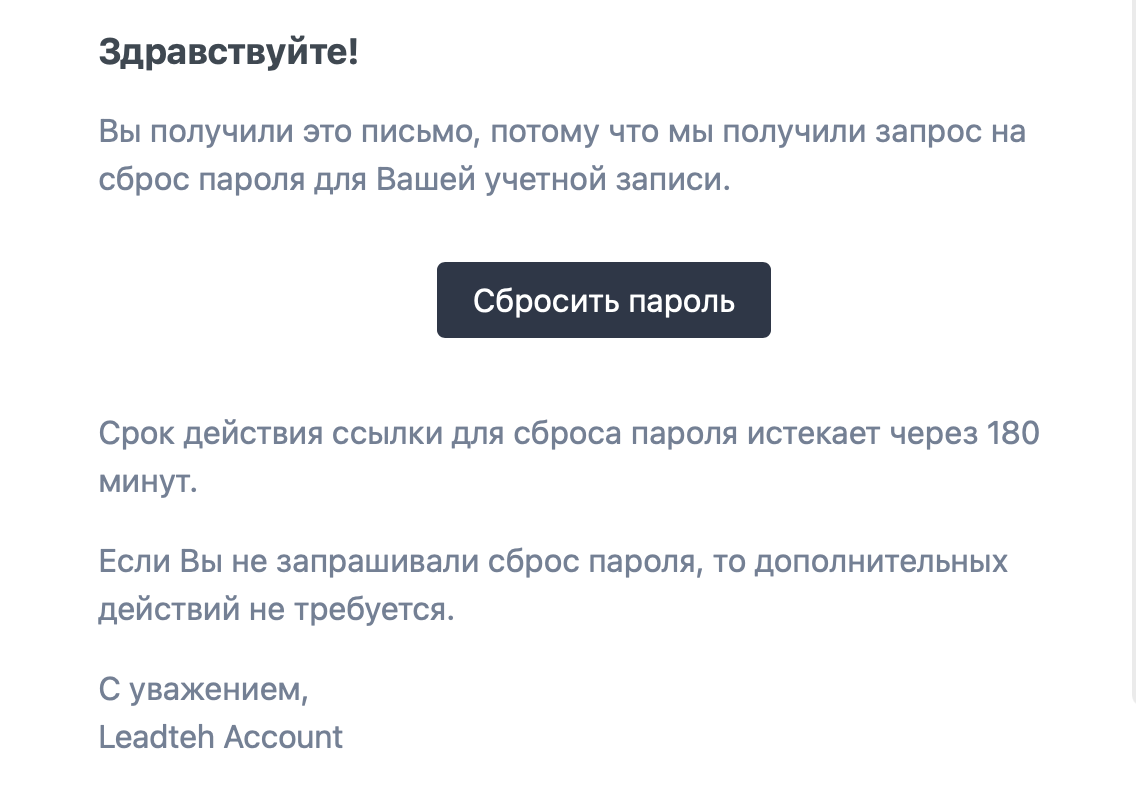
Setting a new password
Done — the email is linked and available for login alongside other methods.
Removing an authorization method
To remove an unnecessary login method:
- Go to Account management → Social networks
Click the cross next to the method you want to remove

Removing an authorization method
Important
Email authorization cannot be removed. Before removing alternative methods, make sure a real email is linked to your account — otherwise you risk losing access.
Linked social networks can be used not only for authorization but also for integrations (for example, with Google Sheets). Do not remove a social network link if you use the corresponding integration.