Removing a Contact from the Bot
Removing a user from the contact list and bulk deletion of bot users
1. A bot contact can be removed from the contact lists:
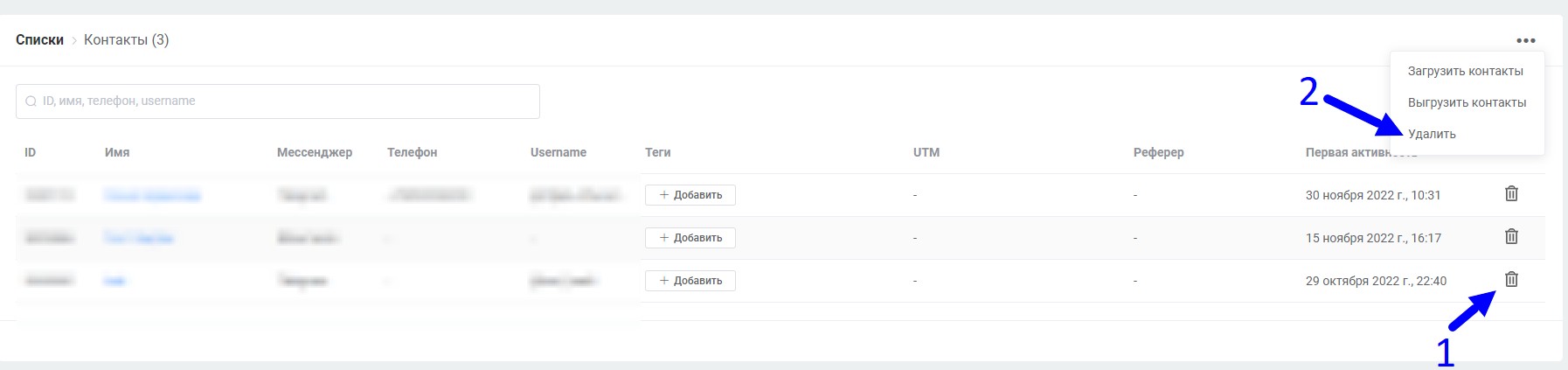
Removing bot contacts from the contact list
Removal from the contact list is possible for a single item (1) or in bulk (2) with specific contact parameters
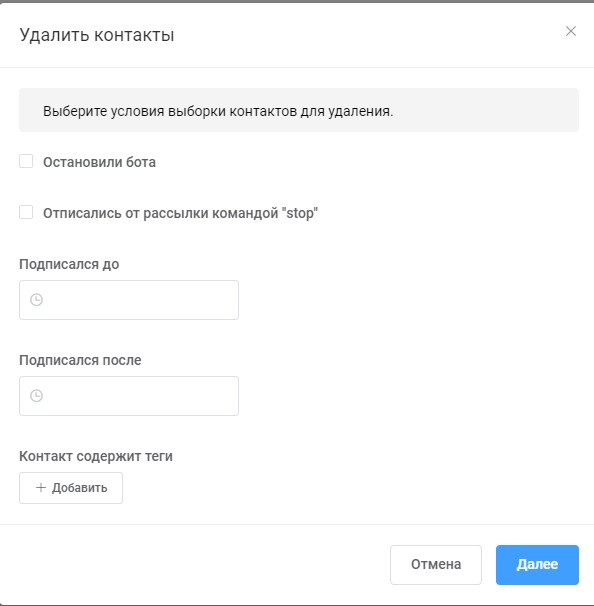
Bulk removal of bot contacts from the contact list
After clicking "Next", a message will show the number of users matching the deletion rules. Deletion will occur after clicking "Delete".
Deleting more than 20,000 contacts
About 20,000 contacts are deleted at a time within two hours. If you have more than 20,000, run deletion again after 2 hours.
Repeat deletion until all contacts you want to remove are deleted.
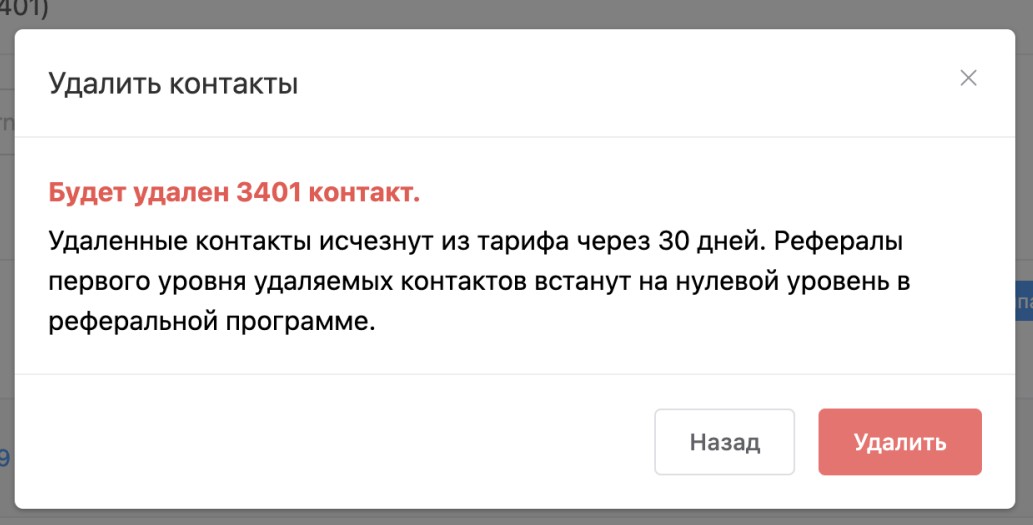
Bulk removal of bot contacts from the contact list
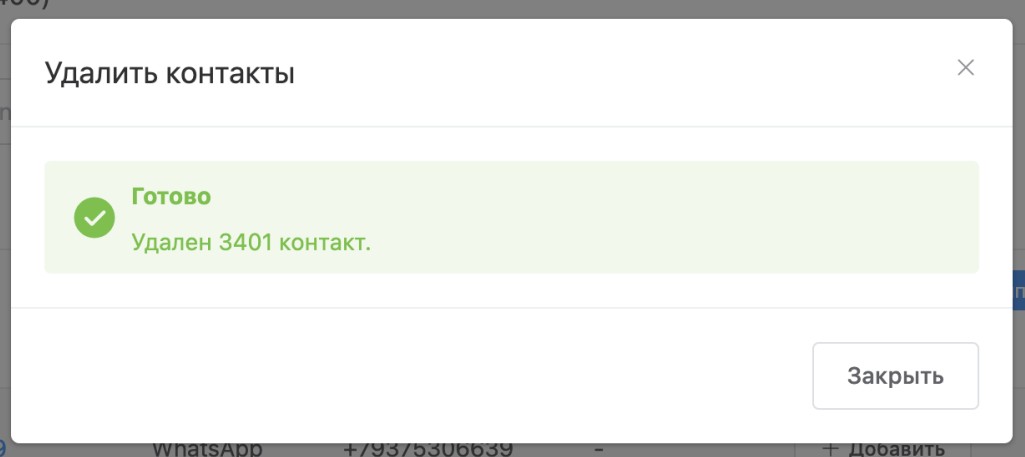
Bulk removal of bot contacts from the contact list
2. A bot contact can be removed from the contact card
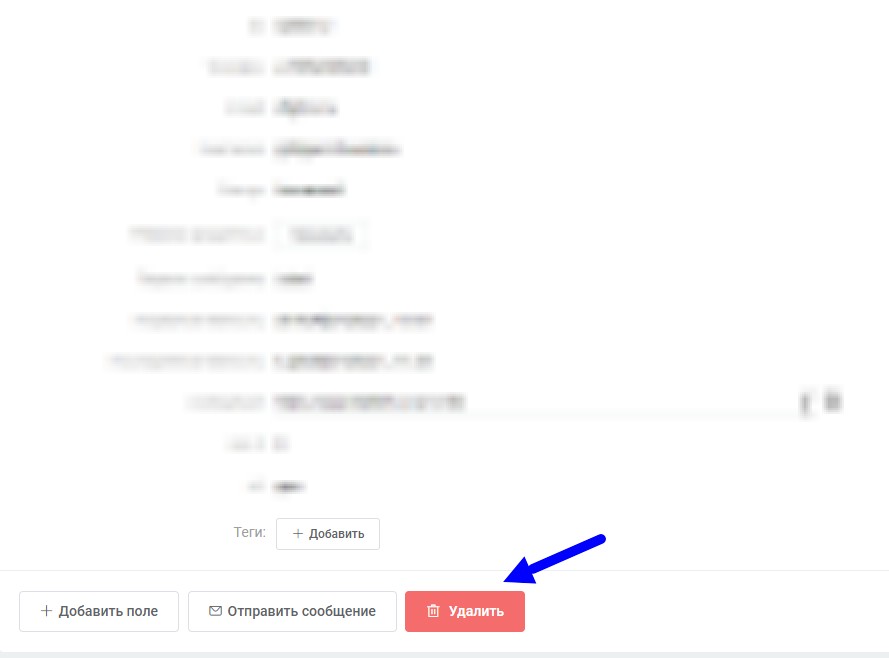
Removing a bot contact from the contact card
3. A bot contact can be removed from the conversation with the contact
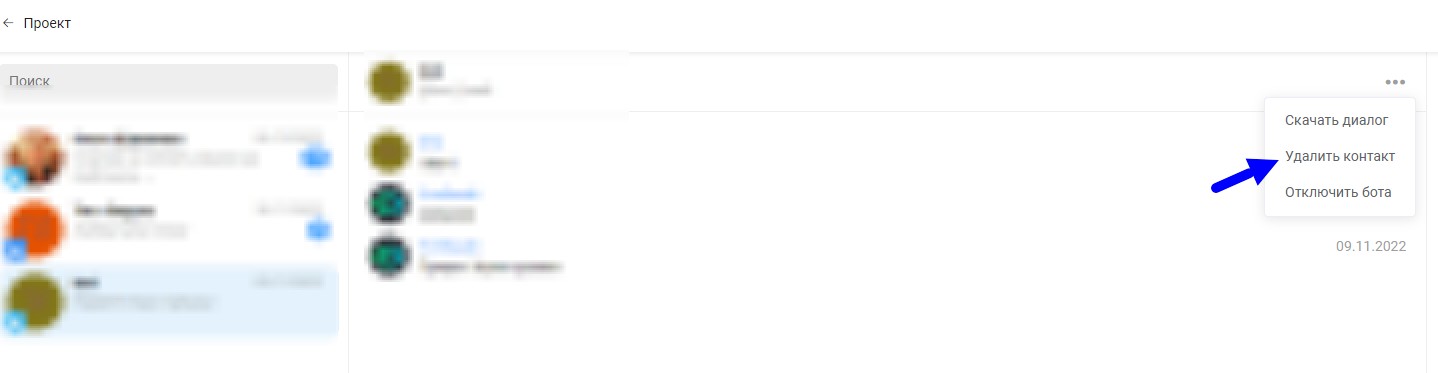
Removing a bot contact from the conversation with the contact
🎁 Free course on chat bot and mini-app development for all users with an active PRO subscription is already available on LEADTEX.
10 detailed lessons covering everything from A to Z.
Start learning now — Start learning.