Restoring a Deleted Chat Bot
How to restore a bot: where deleted projects are stored
To restore a deleted chat bot, go to your account's main page. Then open the trash bin in the left panel under the "Folders" section.
.png)
Opening the "Trash" section
In the trash bin, you will see a list of all deleted chat bots. Find the bot you want to restore and click the "Restore" icon.
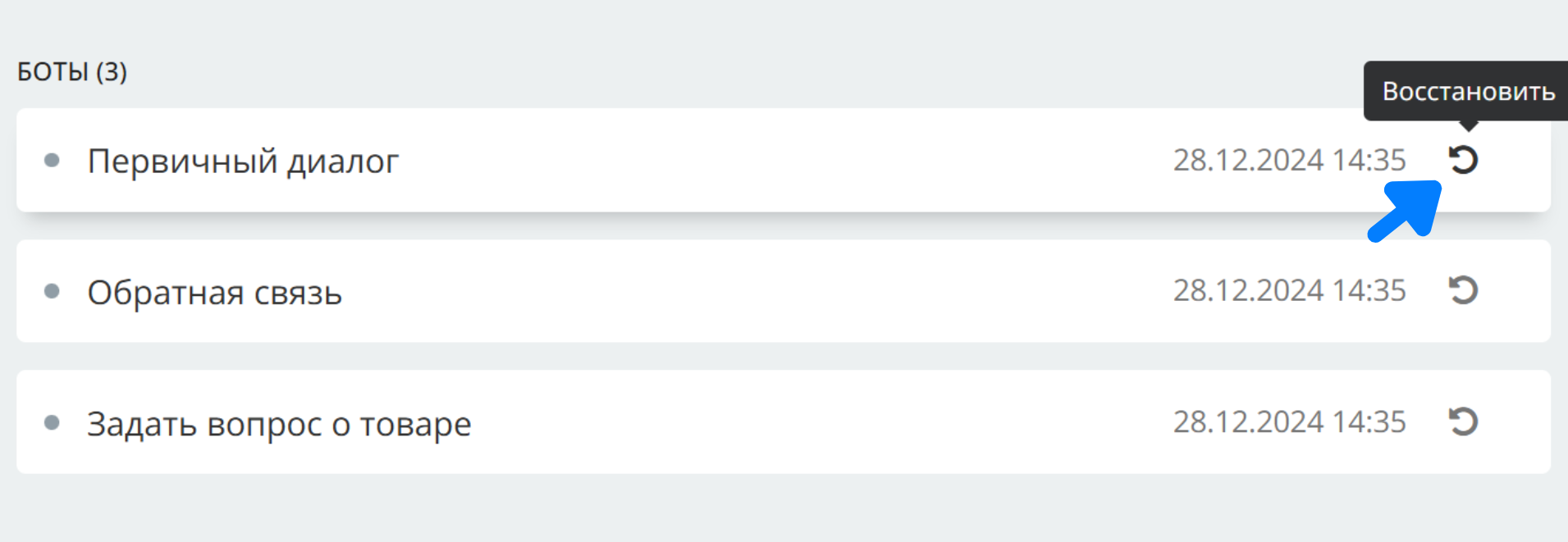
Restoring a chat bot and the list of deleted projects
Confirm restoration.
LEADTEX account already offers 250+ lessons on chat bot and MiniApp development, plus the chance to join the largest developer community with 6000+ members - Go to your account.