YooMoney (Yandex.Money)
Chat bot integration with YooMoney payment service
This block allows individuals to accept payments to their wallet in YooMoney. \ The wallet must be named.\ \ After making a payment, you can configure automatic bot action, for example send a link to an online course or assign a tag.
If you are self-employed and plan to accept payments not to an electronic wallet, but using acquiring, we recommend using the YooKassa service with automatic receipt sending.
To register and connect the payment system follow the link.
Special conditions for acquiring are available upon registration (reduced rate 2.8%)
Detailed guide on integrating and using the YooMoney block in LEADTEX constructor for accepting payments by individuals to a named wallet.
To set up the integration, go to Your Bot → Settings → Integrations → YooMoney.
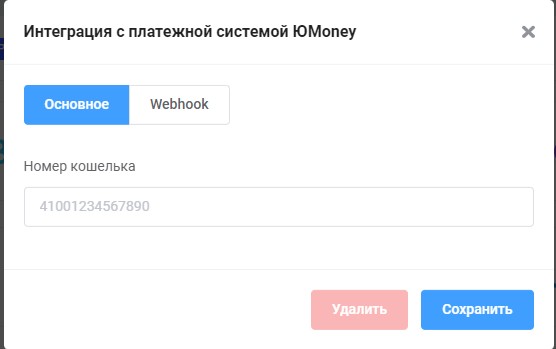
Specifying YooMoney wallet number
Specify the wallet number in YooMoney.
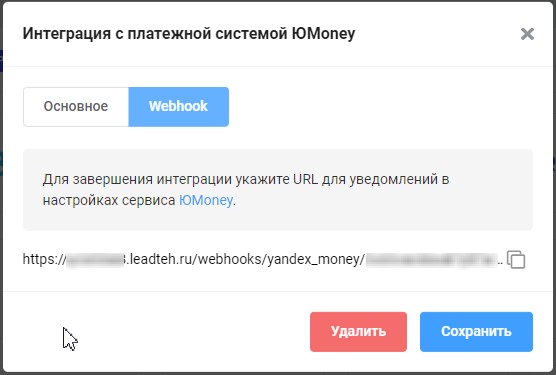
Getting Webhook for integration setup
Copy the URL for notifications and paste it on the YooMoney side: \ Settings → Packages/Other Services → Money Collection → Configure Notifications.\ In the "Where to send (Website URL)" field, paste the copied URL.
After setting up the integration, create a "YooMoney" block in the bot scenario and configure it as needed.
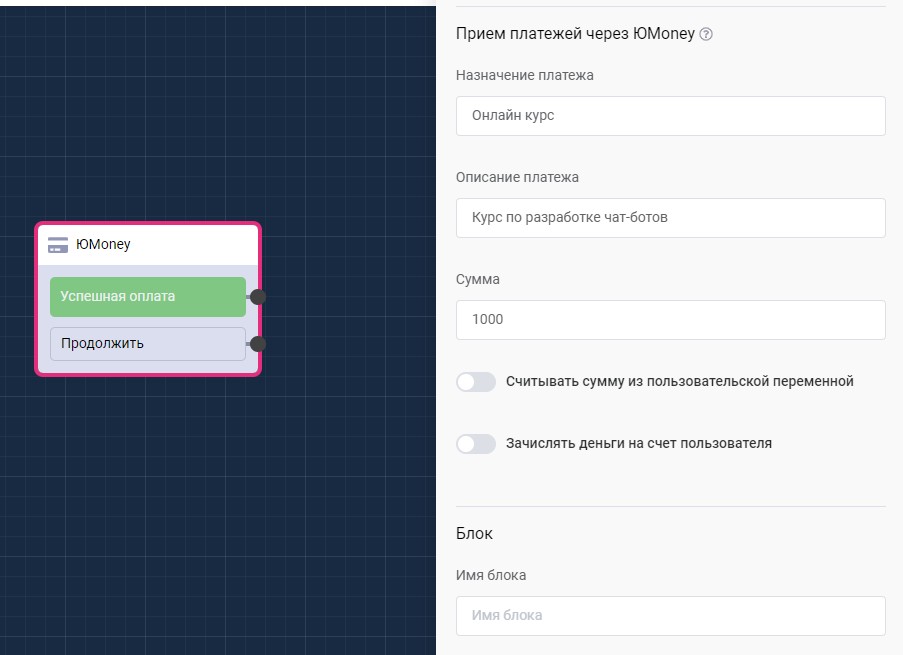
"Accept Payments via YooMoney" block in scenario
Mini App Store in Telegram: creating online store with YooMoney in 15 minutes
Step-by-step guide to creating a full-fledged Mini App store in Telegram with YooMoney integration for payment processing.
🎁 Free course on chat bot and MiniApp development for all users with active PRO subscription is already available on LEADTEX.
10 detailed lessons with immersion from A to Z.
Start learning right now - Start learning.